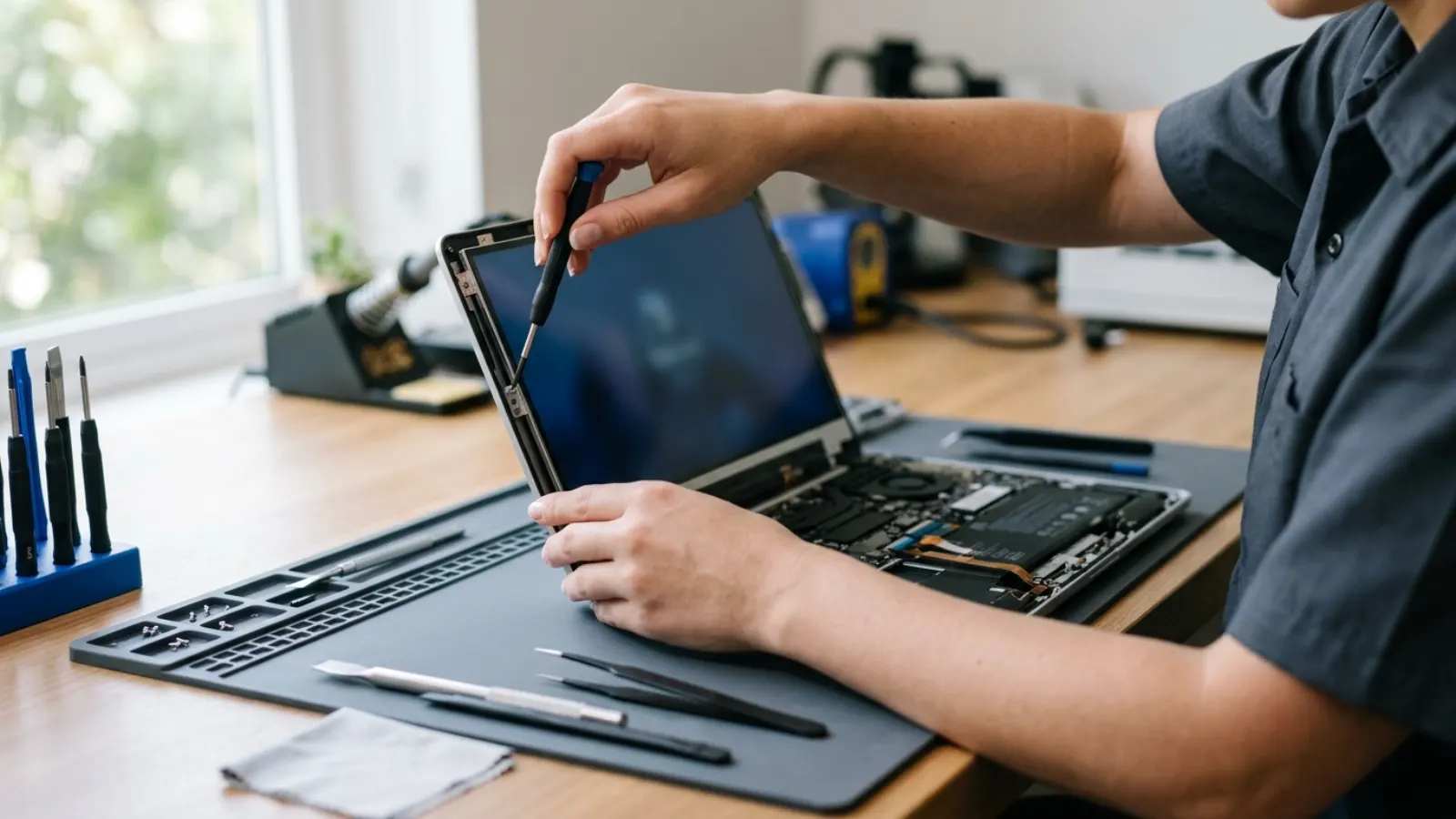
Short answer: A typical laptop screen replacement costs roughly 120 to 350 US dollars for a standard LCD, and 250 to 600 or more for touchscreen, high refresh or OLED panels, including labor. Prices differ by country, brand, panel type and shop, so treat the ranges in this guide as typical estimates, not quotes.
Key takeaways
- The panel type matters most: a basic HD or Full HD LCD costs far less than a touchscreen, 4K or OLED panel.
- Labor is often a large part of the bill, especially on thin laptops where the screen is part of the lid assembly.
- Prices vary by shop, country, taxes and model. Get a written quote for your exact laptop.
- An external monitor test tells you whether the screen or the graphics hardware is at fault before you pay.
- If the repair costs more than about half the laptop's current value, compare it with replacing the machine. That is a rule of thumb, not a law.
How much does a laptop screen replacement cost?
The price depends on what is broken and what kind of screen your laptop has. For most budget and midrange laptops from Dell, HP, Lenovo and Asus, replacing a standard LCD panel is a modest repair. For premium models with touch, OLED, 4K or high refresh panels, the part alone can cost a lot, and some are only available as a full lid assembly.
Below is a table of typical ranges, labor included, in four currencies. These are rough ranges for planning only. Real prices vary by shop, region, model, parts availability and sales tax, so always ask for a quote.
Typical price ranges by panel type (parts and labor)
| Screen type | USD | GBP | CAD | AUD |
|---|---|---|---|---|
| Basic HD or Full HD LCD (non-touch) | $120 to $250 | £80 to £180 | C$160 to $320 | A$180 to $350 |
| Full HD IPS, 120 Hz or 144 Hz | $180 to $350 | £120 to £260 | C$240 to $450 | A$260 to $500 |
| Touchscreen LCD | $200 to $400 | £150 to £300 | C$270 to $520 | A$300 to $580 |
| 4K, OLED or premium panel | $300 to $700+ | £230 to £550+ | C$400 to $900+ | A$450 to $1,000+ |
| Full lid or display assembly (hinges, cables, bezel) | $250 to $600 | £180 to £450 | C$330 to $780 | A$370 to $880 |
These are typical ranges, not quotes. Prices vary by model, shop, country, taxes and how the part is sourced. In the UK, shop prices usually include VAT, while US and Canadian prices are often quoted before sales tax, and Australian prices usually include GST. Check whether the quote is tax inclusive.
What affects the price
- Panel resolution and type: 1366 by 768 and 1920 by 1080 panels are cheapest. 2.5K, 4K and OLED cost more.
- Refresh rate: Gaming laptops with 120 Hz, 144 Hz or 240 Hz panels use pricier parts.
- Touch: Touchscreens usually add cost over non-touch. Some touch models cannot swap to non-touch because of connector differences.
- Assembly vs. panel only: Many thin laptops have the panel glued into the lid. Replacing the panel only is cheaper, but riskier, and some shops prefer to replace the whole lid assembly.
- Part grade: Original manufacturer panels, new third-party panels and refurbished panels all have different prices and warranties.
- Labor and diagnostics: Independent shops, big retail repair counters and the manufacturer's service charge different rates.
- Warranty or accidental damage cover: Some business laptops and credit card plans cover screen damage. Check before paying.
Dell laptop screen replacement
Dell Inspiron and Vostro laptops generally use common panels, so repairs tend to sit at the lower to middle end. Latitude and Precision laptops are widely serviced and parts are easy to find. XPS models, with their narrow bezels and premium touch, 4K or OLED options, sit at the upper end, and some use fused display assemblies that raise the cost. If your Dell is covered by an ongoing support plan with accidental damage protection, ask about it first.
HP laptop screen replacement
HP Pavilion and 15-series laptops have inexpensive, widely stocked panels. ProBook and EliteBook laptops are mid-range, with good part availability. Spectre and Envy models with touch, OLED or 4K options cost more, and some HP designs bond the panel into the lid so the whole assembly must be replaced. Part numbers vary a lot between sub-models, so shops need your exact model number, usually found on the label under the laptop.
Lenovo laptop screen replacement
Lenovo IdeaPad laptops use common panels, so replacement is usually affordable. ThinkPad laptops are known for being repairable and well documented, with many panels available from several suppliers. Newer ThinkPad models with low-power, OLED or high-resolution options cost more. Yoga and Legion models with touch or high refresh rates are in the middle to upper range. Because Lenovo uses a lot of different panel part numbers, shops need your machine type and model number to match the connector and resolution.
Asus laptop screen replacement
Asus VivoBook and ExpertBook screens are fairly easy to source. Zenbook models often have thin lids and OLED options, which push the cost up. ROG and TUF gaming laptops with 144 Hz or faster panels cost more, and the exact panel (refresh rate, color gamut, connector) must match. Some gaming models also have matching issues because the same laptop shipped with different panel suppliers, so give the shop your full model number.
Is it the screen or something else?
Before paying for a new panel, rule out other causes with these quick checks:
- Plug in an external monitor using HDMI or USB-C. If the external screen looks perfect, the graphics hardware is fine and the laptop's screen or cable is the problem.
- Shine a torch at the screen. If you can see a faint image, the backlight or its circuit has failed, not necessarily the panel itself.
- Check the symptoms. Cracks, black patches and spreading ink-like spots mean the panel is physically damaged. Vertical lines or flickering may be a loose display cable or a failing panel. A fault that only appears when you move the lid usually points to the cable.
- Boot into BIOS. If the problem also shows on the BIOS screen, it is hardware, not Windows or a driver.
A cable or hinge repair can be cheaper than a panel, so a proper diagnosis can save money.
DIY screen replacement: is it worth it?
Doing it yourself can reduce the cost to the price of the part, but it takes care.
- Find your exact model number on the label under the laptop, and the panel part number printed on the back of the existing screen or listed in the service manual.
- Match the connector (commonly 30-pin or 40-pin eDP), resolution, refresh rate and size. A mismatch will not work or may give a dim or distorted picture.
- Power off, unplug the charger and, where the manual says to, disconnect the internal battery.
- Carefully pry off the bezel with plastic tools. Many bezels clip in or are glued. Rushing can crack them.
- Remove the screws that hold the panel, lay it face down on the keyboard, peel the tape over the connector and unplug the cable.
- Attach the new panel, test it before closing everything up, then refit the bezel.
Risks include broken clips, torn cables and static damage. If you are not confident, or the screen is part of a sealed lid assembly, a professional repair is usually the safer choice.
Repair or replace the laptop?
Ask three questions:
- How old is the laptop? A three-year-old midrange laptop with a quote of about a quarter of its resale value is worth fixing. A laptop that is eight years old, with a slow drive and a worn battery, may not be.
- What is the quote compared to a replacement? As a rough rule of thumb, if the repair costs more than about half the laptop's current value, compare it to buying a newer or refurbished machine.
- What else is wrong? If you also need a new battery, drive or keyboard, the total adds up quickly.
An external monitor is also a stop-gap. Many people use a broken laptop as a desktop with an external screen, keyboard and mouse, for little cost.
Where to get the repair done
| Option | Pros | Cons |
|---|---|---|
| Manufacturer or authorized service | Genuine parts, warranty on the work | Often the highest price |
| Independent repair shop | Often cheaper, quicker, can do on-site tests | Part quality varies, check the warranty |
| Big retail repair counter | Convenient, standard process | Can be slower, may send the laptop away |
| DIY | Lowest cost | Risk of further damage, no warranty on your labor |
How to get an accurate quote
- Write down the brand, full model name and model number from the label.
- Note the screen details: size, resolution, touch or non-touch, refresh rate.
- Describe the symptom (cracked, lines, black screen, flickering).
- Ask whether the quote includes the part, labor, tax and any diagnostic fee.
- Ask what warranty comes with the new screen and the repair.
- Ask whether your data and settings are safe, and back up first if the laptop still works.
Be careful with very low quotes over the phone. If the shop cannot confirm the panel type for your model, the price can change once they open the laptop.
When to call a professional
Get professional help if the screen is part of a sealed lid assembly, the laptop is a thin model with glued components, there is liquid damage or a swollen battery, or the fault could be the cable, hinge or graphics rather than the panel. A technician can confirm the cause with test equipment and avoid paying for the wrong part.
Not sure what is wrong? Get a diagnosis first.
Our certified tech can connect remotely, check your software, drivers and backups, and tell you honestly whether the problem needs a hands-on repair.
Frequently asked questions
How much does it cost to replace a laptop screen?
As a typical range, a standard LCD replacement runs from about 120 to 350 US dollars including labor, with touch, 4K, high refresh or OLED panels costing more. Equivalent ranges in pounds, Canadian dollars and Australian dollars are in the table above. Prices vary, so get a quote.
Is it cheaper to replace the screen or buy a new laptop?
For a recent laptop in good condition, replacing the screen is usually cheaper. For an old laptop, if the quote exceeds about half its value, compare it with a newer or refurbished machine.
Can I use an external monitor instead?
Yes. If the laptop otherwise works, you can connect an external monitor through HDMI or USB-C, which is a low cost way to keep using it at a desk, although it is no longer portable.
Does the brand (Dell, HP, Lenovo, Asus) change the price?
It can. Common consumer models usually have cheaper, widely available panels. Premium, touch, OLED and gaming models cost more, and some brands bond the panel into the lid so the whole assembly must be replaced.
Will a replacement screen come with a warranty?
Many shops offer a warranty on parts and labor, but the length and terms vary. Ask before you agree to the repair, and get it in writing.