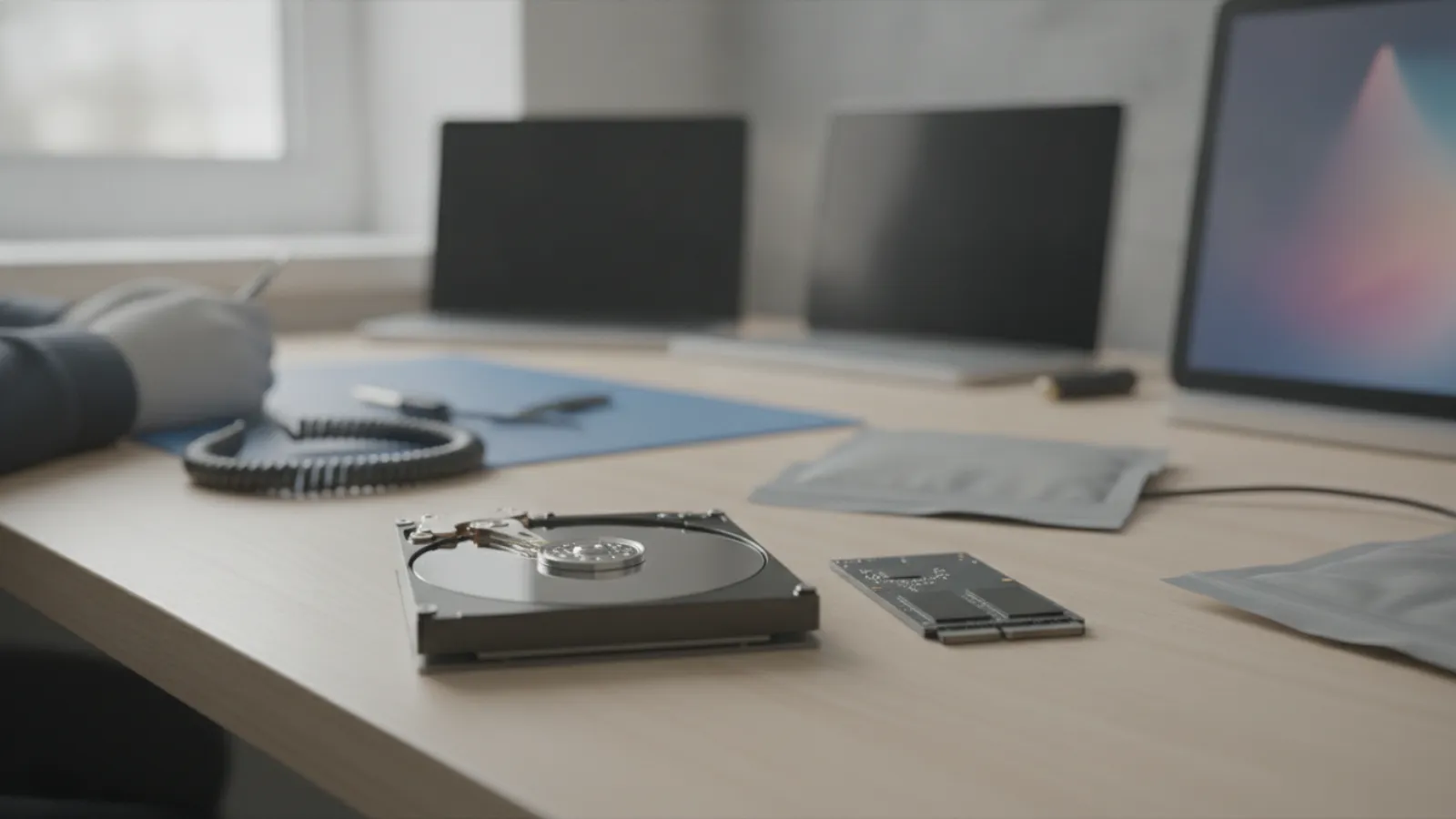
Data recovery from a dead hard drive or SSD typically costs about USD 100 to 700 for logical problems, USD 700 to 2,500 for mechanical hard drive failures, and USD 800 to 3,000 or more for SSD chip-level cases. These are estimates, and many labs quote after a free or low-cost evaluation.
Key takeaways
- Cost depends mostly on the type of failure: logical (files or file system), mechanical (moving parts) or electronic (controller, chips).
- Stop using the drive as soon as you notice a problem. Repeated power-ups can turn a recoverable failure into a permanent loss.
- Clicking, grinding or beeping hard drives should be powered off at once and handled by a lab.
- SSD recovery is often harder and costlier than hard drive recovery, especially with encryption and TRIM.
- Prices here are typical ranges and estimates only. They vary by shop and model, and results are never guaranteed.
What "dead" really means
People use "dead drive" to describe quite different problems, and the price follows the cause. Three broad categories cover most cases.
Logical failure
The drive is physically fine, but the file system is damaged, a partition has disappeared, files were deleted or the drive was formatted by accident. The drive usually shows up in your computer, but it asks to be formatted, shows the wrong size or looks empty. These are the cheapest cases, and sometimes you can recover files with reputable recovery software.
Mechanical failure (hard drives)
Spinning hard drives contain read/write heads, platters and a motor. Failures include head crashes, stuck heads, motor seizure and surface damage. Typical signs are clicking, grinding, beeping or spinning that never reaches speed. These cases need a clean room, matched donor parts and specialist equipment.
Electronic or firmware failure
The circuit board, controller or firmware has failed. On hard drives, this might mean a burned board after a power surge. On SSDs, it commonly means a controller fault, corrupted firmware or worn flash memory. Some of these can be fixed by board repair or firmware techniques, others need chip-off recovery, which reads the flash memory chips directly.
Data recovery cost by failure type
Typical ranges, estimates only. Prices vary by shop and model.
| Case | USD | GBP | CAD | AUD |
|---|---|---|---|---|
| DIY recovery software (if the drive is healthy) | 0-100 | 0-80 | 0-140 | 0-150 |
| Professional logical recovery (deleted files, formatted or corrupt file system) | 100-700 | 80-545 | 140-970 | 150-1,050 |
| Hard drive firmware or board-level repair | 400-1,200 | 310-940 | 550-1,660 | 600-1,800 |
| Hard drive mechanical failure (clean room, head swap) | 700-2,500 | 545-1,950 | 970-3,450 | 1,050-3,750 |
| SSD logical or controller-level recovery | 400-1,500 | 310-1,170 | 550-2,070 | 600-2,250 |
| SSD / flash chip-off recovery | 800-3,000+ | 620-2,340+ | 1,100-4,140+ | 1,200-4,500+ |
| RAID, NAS or multi-drive systems | 1,000-5,000+ | 780-3,900+ | 1,380-6,900+ | 1,500-7,500+ |
| Evaluation or diagnosis | 0-150 | 0-120 | 0-205 | 0-225 |
Some labs charge by drive capacity or by the number of recovered files, others quote a fixed price after evaluation. Some advertise "no data, no fee". Read the terms of such offers carefully, because they usually cover only the recovery fee and may exclude evaluation, shipping, donor parts or the cost of the media you receive the data on.
What affects the price
Type of failure
A logical issue takes a technician hours. A head crash needs a donor drive, a clean room and a lot of careful work. A chip-off needs specialised equipment and expertise in reading and reassembling the data from flash chips.
Drive type and capacity
Larger drives take longer to copy and cost more. SSDs and some modern drives with their own controllers and encryption are more complex than a plain external hard disk.
Encryption
If the drive was encrypted with BitLocker, FileVault or a hardware encryption feature, a lab may need your password or recovery key. Without them, recovery from a physically damaged encrypted drive can be impossible. Keep your recovery key accessible.
Urgency
Express or emergency service can add a significant premium. Plan ahead if you can.
Condition when it arrives
Drives that have been opened, repeatedly powered on, or "fixed" by someone else usually cost more or have lower success rates. This is why the first rule is to stop.
Hard drive versus SSD recovery
Hard drives and SSDs fail differently, and the expected cost and outcome differ too.
- Hard drives store data magnetically, and when deleted files are overwritten gradually, remains of the data often survive for a while. Mechanical failure is serious but is a well-understood problem for labs.
- SSDs store data in flash chips managed by a controller. When files are deleted, the TRIM feature typically tells the SSD to erase those blocks in the background, which makes recovery of deleted files unlikely. When the controller fails, the data may be scrambled across chips and encrypted, so chip-off recovery is difficult and not always successful.
As a rule of thumb, the lower the cost, the more likely the drive is still readable by its controller. If your SSD is no longer detected at all, expect a lab-level case. To understand what labs actually do on spinning disks, read our guide to hard drive data recovery.
What to do right now if a drive fails
- Stop using it. Every write to a logically damaged drive can overwrite the data you want back. Every power-up of a mechanically damaged one can increase the damage.
- Power it off if it clicks, grinds, beeps or smells burnt. Do not shake it, tap it or put it in a freezer. These myths still circulate, and they can cause more harm.
- Do not run repair utilities such as chkdsk or Disk Utility's repair on a drive that holds important data. They change the file system and can make recovery harder. Make a copy first if the drive is healthy enough.
- Note what happened: a drop, a spill, a power cut, a failed update or an accidental format. This helps the lab choose the right approach.
- Find your encryption keys and passwords, if any.
- Do not install recovery software on the affected drive. Install it on another drive and save recovered files to a different drive.
DIY recovery or professional lab?
DIY is reasonable when
- The drive is detected normally and makes no unusual noise.
- You deleted files by accident or formatted a drive with no physical fault.
- You can write the recovered files to a separate drive with enough space.
Reputable recovery software costs roughly USD 0 to 100. Choose well-known software from the developer's own site and be wary of "free" tools from unknown sources, which can be malware. Avoid anything that asks for payment before it has shown you a preview of the recoverable files.
Use a professional when
- The drive is not detected, clicks, grinds, or beeps.
- The drive was dropped, flooded or exposed to fire or heat.
- The SSD vanished from the system or shows a strange capacity.
- The data is critical for work, taxes, legal records or irreplaceable photos.
- You have already attempted a repair that failed.
Water damage is its own category. If the laptop or drive got wet, do not power it on or try to dry it with heat. Read our water-damaged laptop data recovery guide for the first steps.
Laptops with soldered storage
On many modern laptops, including recent MacBooks and thin Windows ultrabooks, the storage is not a separate drive. It is soldered to the main board. If that laptop dies, recovery means repairing the board enough to read the storage, or reading the chips directly, which pushes costs to the upper end of the table. In these cases, a component-level repair may be the cheapest route to your files. Our motherboard repair service in Montréal shows what that kind of work looks like, though the same principles apply anywhere.
How to spot a trustworthy recovery provider
- They offer a clear evaluation with a written quote before they begin paid work.
- They explain the likelihood and limits of recovery rather than promising 100%.
- They have a proper clean room or controlled workspace for mechanical cases. Ask what class of clean air they use, and be wary of any provider who opens drives on an ordinary workbench.
- They give you a file list or a preview of what was recovered before you pay in full.
- They return the data on new media and explain how your original drive will be returned or destroyed.
- They treat privacy seriously, with clear terms on who sees your files.
Be cautious of unusually low prices, high-pressure tactics, and offers that quote a fixed low fee for any failure. For wider context on repair pricing, our guide to computer repair costs in Canada shows how diagnostic and labour charges commonly work, even though data recovery is priced separately.
Repair or replace: a decision rule for the drive
With data recovery, the decision is not about repairing the drive. It is about whether the data justifies the cost.
- Put a value on the data. Ask: what would it cost to recreate, re-buy, or live without these files? Include time, legal or tax implications, and sentimental value.
- Compare with the quote. If the quote is less than the value, proceed. If it is far higher, consider recovering only the most important folders, which some labs can prioritise.
- Replace the drive regardless. A drive that failed once is not trustworthy. Recovery gives you the files. It does not make the old drive reliable.
- Fix the cause. Add a backup routine so you are not here again.
Prevention: the cheapest recovery plan
The best way to avoid a recovery bill is a backup. A widely used guideline is the 3-2-1 approach: three copies of your data, on two different types of media, with one copy off-site or in the cloud. A drive that fails every few years is normal, so plan on it. Test restores occasionally, because a backup you cannot restore is not a backup.
Warning signs worth acting on include slow performance, files that fail to open, repeated freezes, strange noises and SMART warnings in your operating system or disk utility. If you see them, back up immediately and replace the drive.
Rights and warranty by country
This is general information, not legal advice. Check details with your local consumer agency.
- United Kingdom: Under the Consumer Rights Act 2015, services must be performed with reasonable care and skill. If a recovery service is carried out poorly, you may be entitled to a remedy. Also check the data protection terms, since a lab handles your personal files.
- Australia: Australian Consumer Law guarantees that services are provided with due care and skill. A provider cannot normally exclude these guarantees, though a legitimate "no guarantee of recovery" clause is common.
- United States: Right-to-repair legislation is expanding, mostly around device parts and manuals, and is not specific to data recovery. Service contracts and state laws vary, so read the terms and ask about confidentiality.
- Canada: Consumer protection is provincial. Ask for a written estimate and the conditions of any "no data, no fee" promise. If the drive holds personal or client information, ask about privacy practices.
Also remember that a drive still under the manufacturer's warranty can be replaced, but the warranty does not normally cover your data, so recovery is a separate matter.
When to call a professional
Call a professional the moment a drive makes unusual noises, disappears from your computer, or contains data you cannot afford to lose. Do not run repeated tests. If you are in the early stage and the drive still mounts, copy the most important files to another drive straight away before anything else.
A remote session can help with logical problems: guiding you through safe copying, checking drive health, or identifying whether the problem is a cable, a driver or a failing disk. It cannot repair physical damage. Our teams offer remote help in Canada and the United States, and we will tell you plainly if a lab is needed.
Not sure what is wrong? Get a diagnosis first.
Our certified tech can connect remotely, check your software, drivers and backups, and tell you honestly whether the problem needs a hands-on repair.
Drive failed and not sure what to do next? Contact IT Cares before you try anything risky. We can help you decide whether this is a simple software case or a job for a specialist lab.
Frequently asked questions
How much does data recovery cost?
Roughly USD 100 to 700 for logical cases, USD 700 to 2,500 for mechanical hard drive failures, and USD 800 to 3,000 or more for SSD chip-level cases. These are estimates that vary by shop and model.
Is SSD data recovery more expensive than hard drive recovery?
Often, yes. SSDs use controllers, encryption and TRIM, which complicate recovery. A failed controller or chip-off job can cost as much as or more than a mechanical hard drive case.
Can I recover data from a dead drive myself?
If the drive is detected and quiet, reputable recovery software may work. If it clicks, is not detected or has physical damage, stop and consult a professional.
Does "no data, no fee" really mean no fee?
Often it covers the recovery fee only. Check the terms for evaluation, shipping, parts and media charges, and what counts as recovered data.
How long does data recovery take?
Simple cases may take a day or two. Mechanical and chip-level jobs commonly take days to a few weeks, depending on parts and complexity. Rush services cost extra.