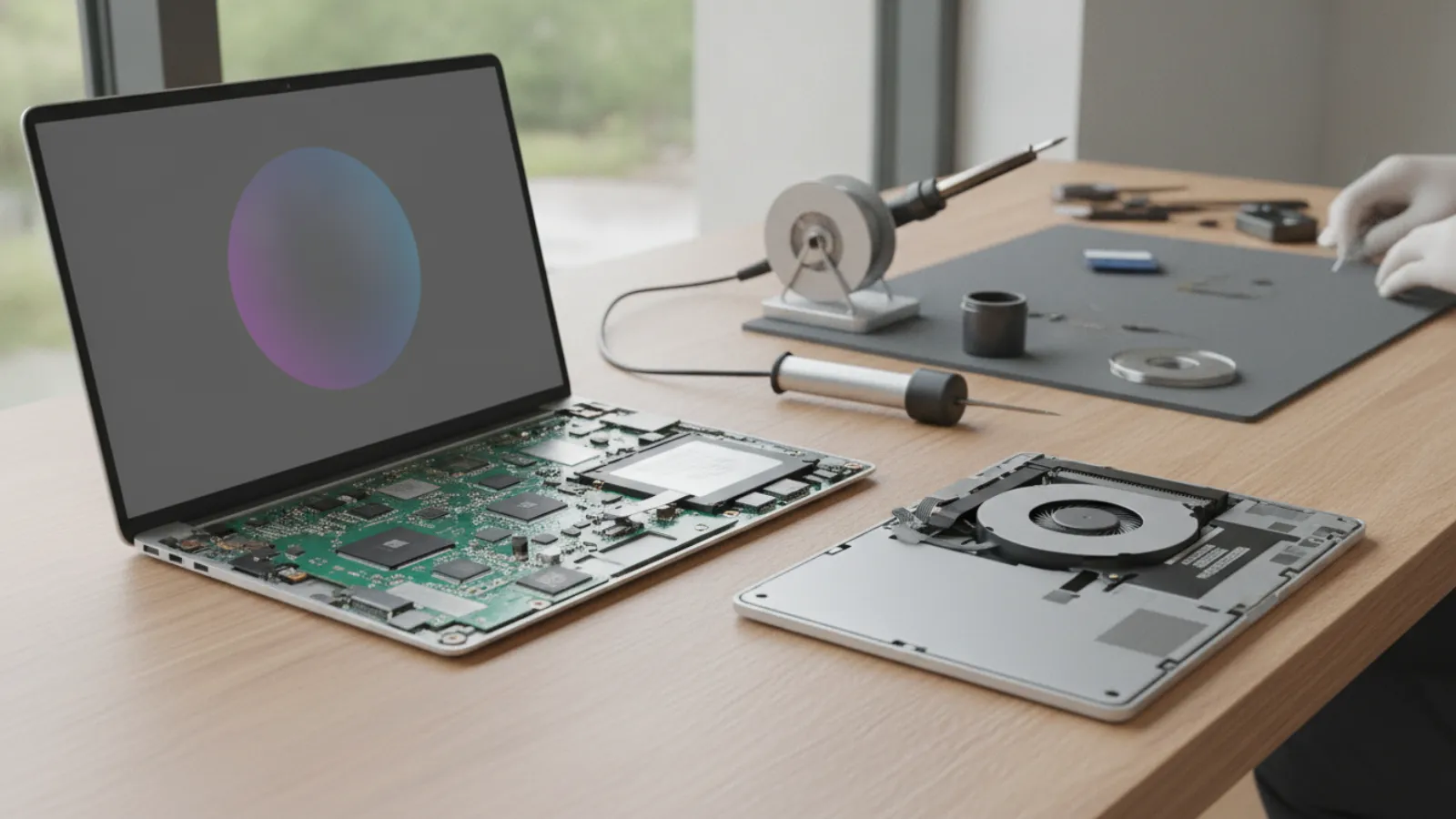
A laptop motherboard repair typically costs about USD 150 to 450 (GBP 120 to 350, CAD 200 to 600, AUD 230 to 650) when a technician fixes the existing board. A replacement board often runs USD 250 to 800 or more. If the quote passes about half the price of a comparable laptop, replacing is usually smarter.
Key takeaways
- Board-level (component) repair is usually cheaper than swapping the whole motherboard, but not every fault can be fixed at component level.
- Prices are typical ranges and estimates only. They vary by shop, model, parts supply and country.
- A simple rule: if the total repair cost passes roughly 50% of what a similar working laptop costs, lean towards replacing.
- Get your data off first or ask for a data-only recovery. The drive is often fine even when the board is dead.
- Many "dead motherboard" diagnoses turn out to be a charger, battery, RAM or power-button fault, so confirm the diagnosis before paying for a board.
What a laptop motherboard actually does
The motherboard is the main circuit board inside your laptop. The processor, memory (on many modern models), graphics chip, power-management circuits, charging circuit, USB and display connections all sit on it or connect through it. When it fails, the symptoms can look dramatic: no power, no display, random shutdowns, or a laptop that charges but never starts.
That is also why a motherboard is the most feared repair. On thin and light laptops, the CPU, RAM and sometimes even storage are soldered to the board. A fault in one part can mean replacing the whole thing, which is why the cost range is so wide.
Signs your motherboard may be failing
These symptoms are common with a failing board, but none of them proves it on its own:
- The laptop does not power on at all, even with a known-good charger.
- The power light comes on, the fans spin for a second, then everything stops.
- The screen stays dark although the laptop seems to be running.
- USB ports or the charging port stop working suddenly.
- The laptop shuts off at random, especially under load.
- There was a liquid spill, a drop, or a power surge shortly before the problem started.
Before assuming the worst, rule out the cheap causes. A dead battery, a faulty charger, a loose RAM module or a stuck power-state can mimic a board failure. Our guide on what to do when a computer will not turn on walks through the free checks you can do at home first.
Laptop motherboard repair cost in 2026
There are three broad routes, and the price differs a lot between them.
1. Component-level (micro-soldering) repair
A specialist technician finds the failed component, such as a power-management chip, a short-circuited capacitor, a damaged charging circuit or a broken connector, and replaces it with micro-soldering equipment. This keeps your original board and your data in place. It is typically the cheapest route when it works, but it needs skilled labour and diagnostic time, and not every shop offers it.
2. Motherboard replacement
The shop removes your board and installs a new, refurbished or used one. Parts pricing depends heavily on the model. Common business laptops often have affordable boards. Gaming laptops, workstation models and thin-and-light designs with soldered parts can cost far more, and some boards are simply no longer available.
3. Replace the whole laptop
When the board is expensive, rare or the laptop is old, buying new or refurbished may cost less than any repair. This is common for laptops older than five to six years.
Typical price ranges by repair type
Typical ranges, estimates only. Prices vary by shop and model. Labour, parts and tax are generally included in these ranges, but local conditions differ.
| Repair type | USD | GBP | CAD | AUD |
|---|---|---|---|---|
| Diagnostic only | 0-100 | 0-80 | 0-130 | 0-150 |
| Minor board-level fix (connector, charging circuit, capacitor) | 120-300 | 95-235 | 165-415 | 180-450 |
| Advanced micro-soldering (power IC, short, liquid damage) | 200-450 | 155-350 | 275-620 | 300-675 |
| Motherboard swap, mainstream business laptop | 250-600 | 195-470 | 345-830 | 375-900 |
| Motherboard swap, gaming, workstation or thin-and-light | 400-1,000+ | 310-780+ | 550-1,380+ | 600-1,500+ |
| Data-only recovery from a dead laptop (drive transfer) | 60-250 | 45-195 | 80-345 | 90-375 |
What drives the price up or down
Soldered parts
If the processor and RAM are soldered to the board, a failed board takes those with it, and the replacement part includes them. A board with a discrete graphics chip costs more than an integrated-graphics board.
Brand and model availability
Popular business lines from the large manufacturers often have a steady supply of used and refurbished boards. Niche gaming models and recent releases are harder to source and more expensive.
Liquid damage
Liquid damage makes the work slower because corrosion has to be cleaned and often several components replaced. Shops usually price it higher and many will not guarantee it as strongly. If liquid is involved, read our guide to water-damaged laptop data recovery and power the machine off immediately, because applying power can spread the damage.
Labour rates by country
Workshop labour rates differ between cities and countries, and a large city shop with a specialist microscope bench will normally charge more per hour than a general repair counter. This is why the table above shows ranges rather than a single figure.
Repair or replace: a simple decision rule
Use this four-step rule of thumb. It is a guideline, not a guarantee.
- Get a written quote for the repair, including parts, labour and any diagnostic fee.
- Price a comparable laptop with similar specs, new or certified refurbished, from a reputable seller.
- Compare. If the repair is under about 40% of the replacement price, repair is usually sensible. Between 40% and 60% it is a judgement call. Above 60%, replacing usually wins.
- Adjust for age and value. A laptop older than five or six years, with a weak battery, a worn keyboard and limited upgrade life, is rarely worth a large board repair. A recent or high-end machine with an otherwise good screen and chassis often is.
Also count what the laptop holds. If the work files, photos or business records on it have no backup, the value of the data may outweigh the value of the hardware. In that case, ask for data recovery first and treat the repair as optional. Our article on hard drive data recovery explains what to expect.
Common questions about the diagnosis
How can I tell if it is the motherboard or something simpler?
A technician typically tests with a known-good charger and battery, reseats the RAM, checks power rails with a multimeter or bench supply, and looks for signs of shorts or burn marks. That is why a diagnostic fee is often worth it. A professional diagnosis can save you from paying for a board you do not need.
Can the data be saved if the board is dead?
Often yes. On many laptops the storage drive is a separate part and can be moved to another computer or an enclosure. Some thin laptops have storage soldered to the board, which makes recovery more complex and expensive. Encrypted drives add another layer, so keep your recovery key or login details handy.
Rights and warranty by country
This is general information only, not legal advice. Rules change and depend on your situation, so check with your local consumer agency if you are unsure.
- United Kingdom: The Consumer Rights Act 2015 says services must be carried out with reasonable care and skill, and goods must be of satisfactory quality and as described. If a repair is done badly you may be entitled to a repeat performance or a price reduction.
- Australia: Australian Consumer Law includes consumer guarantees, such as services being provided with due care and skill and goods being of acceptable quality. These apply regardless of any extra warranty a shop advertises.
- United States: Right-to-repair rules have been expanding in several states, and more manufacturers now sell parts and manuals to independent shops. Coverage varies by state and by product, so do not assume it applies to your device. Warranty and implied-warranty rules also differ by state.
- Canada: Consumer protection is mainly provincial. Most provinces have rules on fair dealing, written estimates for repairs and misleading claims. Ask for an estimate in writing before the work starts, and check what your province requires.
In every country, ask the shop what warranty they give on the repair and on the replaced part, and get it in writing. Be aware that liquid-damage and board-level repairs often carry shorter or limited warranties.
Questions to ask the repair shop
- Is the quote for component-level repair or a full board replacement?
- Is the replacement board new, refurbished or used?
- What is the diagnostic fee, and is it credited if I go ahead?
- What is the warranty period, and what does it exclude?
- What happens to my data, and can you back it up before repair?
- What happens if the repair fails? Do I pay for diagnosis only?
If you live in the Montréal area, you can see how a local service handles this on our motherboard repair in Montréal page. For a wider picture of pricing across common faults in Canada, see how much computer repair costs in Canada.
When to call a professional
Do not attempt board-level repair yourself unless you have the right equipment and experience. Micro-soldering needs a microscope, temperature-controlled tools and a lot of practice, and a mistake can turn a fixable board into a dead one. Call a professional if:
- The laptop has had a liquid spill or a hard impact.
- You smell burning or see visible damage on the board.
- The laptop is dead and you need the data off it.
- The laptop is still under warranty. Opening it may void cover, so contact the manufacturer or retailer first.
Remote support cannot replace a motherboard, but it can help rule out software and settings faults before you spend money, and help you plan a backup. If you are in the United States or Canada, our remote team can help check whether your problem is really hardware.
Not sure what is wrong? Get a diagnosis first.
Our certified tech can connect remotely, check your software, drivers and backups, and tell you honestly whether the problem needs a hands-on repair.
Not sure whether your laptop needs a new board or just a simple fix? Talk to IT Cares for a no-pressure assessment of your symptoms and a clear view of your options before you spend on parts.
Frequently asked questions
How much does it cost to replace a laptop motherboard?
As a rough guide, USD 250 to 800 or more including labour, with gaming and thin-and-light models at the top end. Component-level repairs are often cheaper, around USD 150 to 450. These are estimates and vary by shop and model.
Is it worth repairing a laptop motherboard?
It can be, when the laptop is fairly recent and the quote is under roughly half the price of a comparable replacement. For older machines, it is often better to recover the data and replace the laptop.
Can a laptop motherboard be repaired instead of replaced?
Often, yes. Skilled technicians can replace failed chips, connectors and charging circuits on the existing board. The success rate depends on the fault. Severe liquid damage or a failed processor usually points to replacement.
How long does a motherboard repair take?
Many shops quote a few days to two weeks, depending on diagnosis time and whether they need to order parts. Rare boards can take longer.
Will I lose my data if the motherboard fails?
Usually not, because storage is stored separately from the board on many laptops. If the storage is soldered, recovery is harder and costs more. Back up regularly so a dead board is an inconvenience rather than a loss.