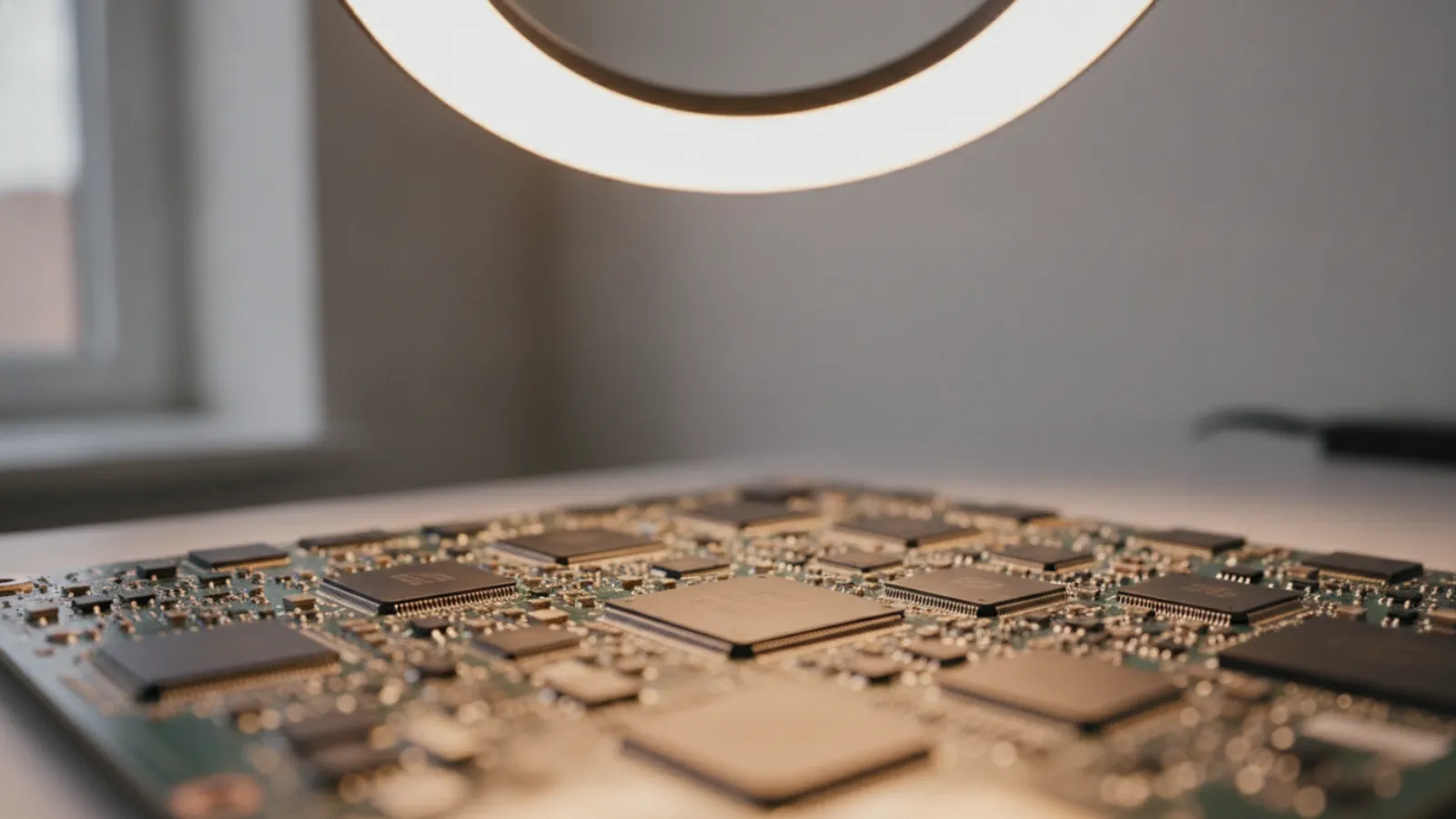
A MacBook logic board repair typically costs about USD 200 to 600 (GBP 155 to 470, CAD 275 to 830, AUD 300 to 900) at component level. A manufacturer board replacement often costs far more. It is usually worth it for newer Macs or irreplaceable data, and rarely for older machines.
Key takeaways
- The logic board is the main board of the MacBook. On Apple silicon and many recent Intel models, the processor, memory and storage are all soldered to it.
- Because storage is soldered, a dead board can mean inaccessible data. This often changes the maths of "worth it".
- Component-level repair by an independent specialist is usually cheaper than a manufacturer board swap, but results depend on the fault.
- Prices in this guide are typical ranges and estimates. They vary by shop, model and country.
- Try the free fixes first: a different charger and cable, an SMC or NVRAM reset on older Intel models, and a firmware revive with a second Mac on newer ones.
What is the logic board?
Apple calls its main board the logic board. It is the equivalent of a PC motherboard. On a modern MacBook, it holds the processor or system on a chip, the unified memory, the storage chips, the charging and power circuitry and the ports. Because so much is on a single board, a fault there tends to have wide effects.
On Apple silicon models (the M-series), memory and storage are part of the package or soldered to the board and cannot be swapped out. The same is true for most Intel MacBooks made from about 2016 onward, where storage is soldered and, on models with Apple's T2 security chip, tied to that chip through encryption. In short, the board is the computer.
Signs of a logic board problem
- The Mac will not turn on, but the charger and battery are fine.
- The Mac does not charge, or reports "Not Charging" with several chargers.
- Random restarts or kernel panics that repeat, especially after hardware tests fail.
- No display at all, but an external monitor also shows nothing.
- A liquid spill, or the Mac was dropped before the problem started.
- Apple Diagnostics reports errors for the board or power system. Reference codes vary by model, so check Apple's support pages.
Many of these have cheaper explanations: a worn charger cable, a damaged port, a software or firmware problem, or a bad display cable. Before you pay for board work, read how a technician narrows it down in our guide to fixing a computer that will not turn on.
Free checks to try first
- Try another certified charger and USB-C cable, and a different wall outlet.
- Disconnect all accessories and try again.
- On Intel Macs, try an SMC reset and an NVRAM reset, following Apple's model-specific steps.
- On Apple silicon and T2 Macs that do not boot, a second Mac with Apple Configurator can sometimes revive or restore the firmware. This will not fix hardware faults, and a restore can erase data, so use "revive" first and read Apple's guide carefully.
- Run Apple Diagnostics by holding the power button (Apple silicon) or D key (older Intel) at startup.
MacBook logic board repair cost
There are three common routes, each with a different price and risk.
Route 1: component-level repair by an independent specialist
Micro-soldering technicians diagnose which part failed and replace it. Typical examples include a damaged charging or USB-C power-control chip, a short on a power rail after a liquid spill, or a failed backlight driver. When the diagnosis is accurate, this can be the cheapest way to revive the machine and recover data, because the original board stays in the laptop.
Route 2: manufacturer or authorised provider board replacement
The provider replaces the logic board, sometimes together with other parts such as the top case or battery. It is predictable and comes with a warranty, but out-of-warranty prices are high. In many cases, the provider replaces the board as a unit, and your data on the old board is not preserved.
Route 3: replace the Mac
For Macs several years old, putting the same money towards a newer or refurbished model can make more sense, particularly if the old data can be recovered separately.
Typical price ranges
Typical ranges, estimates only. Prices vary by shop and model.
| Repair option | USD | GBP | CAD | AUD |
|---|---|---|---|---|
| Diagnostic only | 0-120 | 0-95 | 0-165 | 0-180 |
| Minor component repair (charging circuit, port, connector) | 150-350 | 120-275 | 205-485 | 225-525 |
| Advanced micro-soldering (short circuit, liquid damage, power rails) | 250-600 | 195-470 | 345-830 | 375-900 |
| Independent logic board swap (used or refurbished board) | 300-800 | 235-625 | 415-1,100 | 450-1,200 |
| Manufacturer or authorised provider board replacement, out of warranty | 500-1,200+ | 390-940+ | 690-1,660+ | 750-1,800+ |
| Data-only recovery from a dead board (where possible) | 200-700 | 155-545 | 275-970 | 300-1,050 |
When is a logic board repair worth it?
The word "worth" depends on three things: the age and value of the Mac, the cost of repair, and the value of the data on it. Weigh them in that order.
Repair or replace: a simple decision rule
- Check your backup first. If you have a recent Time Machine or cloud backup, the data is safe and the question is only about hardware value.
- Price a comparable replacement: a refurbished or used Mac of the same class and age or newer.
- Compare the quote. If the repair is under about 40% of that price, repair is usually sensible. Between 40% and 60%, think about age, battery and software support. Above 60%, replacing is usually better.
- Add a data premium. If the Mac holds irreplaceable files with no backup, paying more for a repair or a data-only recovery can be justified, even above the 60% threshold.
Worth repairing
- A recent Apple silicon MacBook with a clean case, good screen and a healthy battery, where a specialist can identify a specific, fixable fault.
- A Mac with irreplaceable data that has no backup.
- A machine that is still under warranty, AppleCare or a service program. Contact the manufacturer first, because opening the Mac or using an independent shop can affect that cover.
Probably not worth repairing
- An older Intel MacBook that no longer receives the latest macOS, with a weak battery and a quote above half of a replacement.
- Heavy liquid damage across several parts of the board, where a repair is likely to be partial and short-lived.
- A quote that is close to the cost of a newer used Mac, with data already backed up.
The data question: why soldered storage matters
With older MacBooks, you could often take out the SSD and put it into an enclosure to read it on another computer. On many current models, that is not possible. The storage chips are soldered to the board, and on Macs with Apple's security hardware, the data is encrypted using keys that are tied to the board. If the board is replaced, the old data does not follow. If the board is dead, the data can only be reached by repairing the original board enough to boot, or by specialist board-level recovery, which is not always possible.
This is the main reason independent repair and recovery specialists can sometimes offer value that a manufacturer cannot: they try to revive the original board so the data stays intact. It is also why backups matter so much. If you are currently dealing with a spill, see our water-damaged laptop data recovery guide and switch the Mac off immediately.
Be wary of any shop that promises a 100% data recovery rate before looking at the machine. Outcomes depend on the fault, and a careful provider will quote a diagnostic first, explain what is possible, and be clear about what they cannot do.
Common causes of logic board failure
Liquid damage
Spills cause short circuits and corrosion that can keep spreading after the Mac dries. Even a Mac that seems to work after a spill can fail weeks later. Prompt cleaning of the board by a technician improves the odds.
Charging and power circuit faults
The USB-C ports and associated power-control chips handle both charging and data. Using a very poor charger, a damaged cable or a power surge can harm them. Symptoms include "not charging" or a Mac that only starts on a specific port.
Physical damage
Drops can crack solder joints or chips, particularly on thin designs. The visible case damage may be small, while the internal damage is not.
Component or design faults
Some models have had reported board-level problems, and manufacturers occasionally run service programs for specific faults on specific models. These programs have deadlines, so check Apple's support pages for your serial number if your Mac is not too old.
How to choose a repair provider
- Ask whether they do component-level repair or only board swaps.
- Ask for a written diagnosis and quote, and what it costs if you decline the repair.
- Ask for the warranty on the repair, and whether it covers the original fault and new faults separately.
- Ask how they handle your data and passwords, and whether you can supply a recovery key if FileVault is on.
- Be cautious about very low quotes that do not mention diagnosis. A fault that looks simple on the phone can be more complex on the bench.
For context on how board-level work compares with other Apple repairs, see our MacBook repair cost guide for Canada. If you are local to Montréal, we describe our approach on the motherboard repair and Mac repair pages.
Rights and warranty by country
This is general information, not legal advice. Laws change, so confirm details with your local consumer agency.
- United Kingdom: The Consumer Rights Act 2015 requires repairs to be carried out with reasonable care and skill, and goods to be of satisfactory quality and last a reasonable time. That can matter if a high-value Mac fails prematurely.
- Australia: Australian Consumer Law consumer guarantees include acceptable quality and services provided with due care and skill. These sit alongside any manufacturer warranty.
- United States: Right-to-repair legislation has been spreading in several states, and some manufacturers now make parts and tools more widely available. Coverage differs by state and product, so treat it as a trend rather than a guarantee.
- Canada: Consumer protection laws are mainly provincial and vary. Written estimates and clear terms before work begins are a sensible baseline in any province.
When to call a professional
Logic board work is not a DIY job. It requires micro-soldering, a stable bench power supply and board-level schematics. Call a professional if the Mac will not power on after the free checks, if there has been a spill or a drop, or if you need data from a dead machine. Stop trying to power it on repeatedly, since repeated attempts can worsen a short.
If the Mac still starts and you simply want a second opinion on whether the symptoms point to hardware, a remote check can help. We serve customers in Canada and the United States, and we will tell you plainly when hardware repair is needed.
Not sure what is wrong? Get a diagnosis first.
Our certified tech can connect remotely, check your software, drivers and backups, and tell you honestly whether the problem needs a hands-on repair.
Mac will not start and you are worried about your files? Contact IT Cares to talk through your symptoms, the likely causes and the safest order of steps for protecting your data.
Frequently asked questions
How much does a MacBook logic board repair cost?
Typically USD 200 to 600 for an independent component-level repair, and USD 500 to 1,200 or more for a manufacturer board replacement. These are estimates that vary by shop and model.
Is a MacBook logic board repair worth it?
It can be for a recent Mac in good condition, or when the data has no backup. For an older Mac with a quote above about half the price of a replacement, replacing is usually better.
Can I recover my data if the logic board is dead?
Sometimes. On Macs with soldered, encrypted storage, recovery usually requires repairing the original board enough to boot. It is not always possible, and no reputable provider can promise it before inspection.
Can liquid damage be repaired on a logic board?
Often partially. Cleaning and component replacement can revive many boards, but corrosion can continue, so ask about the warranty and expect shorter cover for liquid damage.
What causes a MacBook logic board to fail?
Common causes include liquid damage, power surges or poor chargers, drops and age-related component failure. Many "dead Mac" cases turn out to be simpler faults, so get a proper diagnosis.