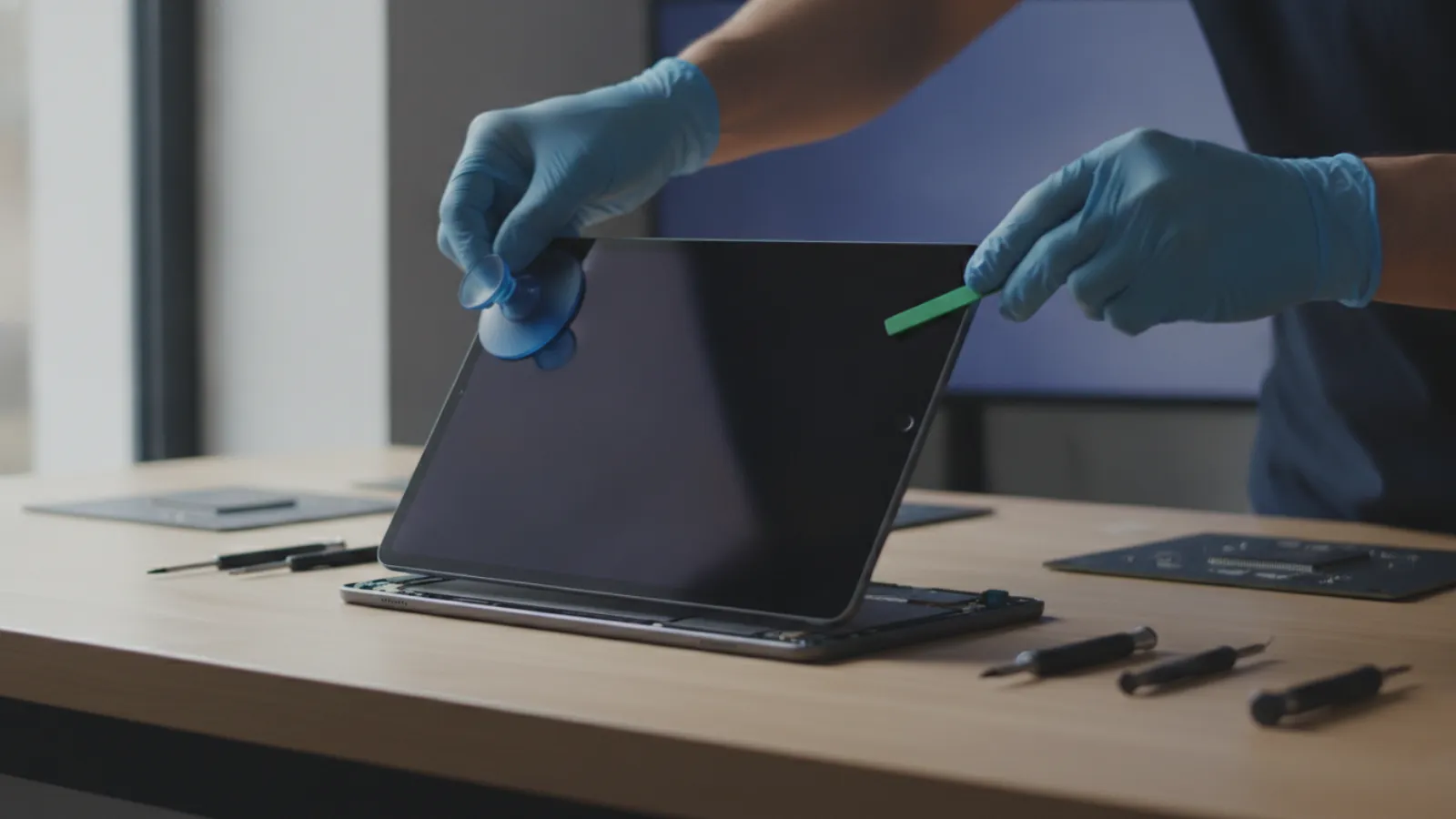
A Surface Pro screen replacement typically costs roughly US$200 to US$700 depending on the model, the fault and who does the work. Third-party repair is often cheaper, while Microsoft service may swap the whole device. Prices below are estimates and vary by region, model and shop, so always get a written quote first.
Key takeaways
- Costs are typical ranges only. Newer and larger Surface Pro models cost more to repair than older ones.
- The display on most Surface Pro models is glued to the frame and fused with the touch layer, so a cracked front glass usually means replacing the whole display assembly.
- Microsoft out-of-warranty service may offer a replacement device rather than a screen repair, depending on the model and region.
- Third-party shops can be cheaper but repairs carry risk, and some may affect your warranty or water resistance claims.
- If the repair quote is close to half the price of a replacement or refurbished unit, compare options carefully.
What does a Surface Pro screen replacement cost?
There is no single price. The cost depends on which Surface Pro you have (for example the Pro 7, Pro 8, Pro 9 or later generations), whether the glass only is damaged or the LCD or OLED panel and touch layer have also failed, and whether you use Microsoft, an authorised provider or an independent shop.
The table below shows typical ranges and estimates only. Prices vary by model, region, shop, parts supply and exchange rates, and they change over time. Treat these figures as a starting point and ask for a written quote before you agree to any work.
| Repair route | USD (estimate) | GBP (estimate) | CAD (estimate) | AUD (estimate) |
|---|---|---|---|---|
| Independent repair shop, older Surface Pro (about 2017 to 2019 models) | $150 to $350 | £120 to £300 | C$200 to $450 | A$230 to $520 |
| Independent repair shop, newer Surface Pro (about 2020 onward) | $250 to $550 | £200 to £450 | C$330 to $700 | A$380 to $800 |
| Microsoft or authorised service, out of warranty (repair or replacement) | $350 to $800 | £300 to £650 | C$450 to $1,000 | A$520 to $1,150 |
| Glass-only "re-glass" (specialist, touch and panel still work) | $100 to $250 | £80 to £200 | C$130 to $330 | A$150 to $380 |
These ranges are rough estimates drawn from general market patterns, not quotes from a specific provider. Taxes (VAT, GST, HST, sales tax) may or may not be included, and shipping or diagnostic fees can add to the total.
Why Surface screens cost more than most laptop screens
On a traditional laptop, the screen is a panel in a lid that can often be unclipped and swapped. A Surface Pro is a tablet, and the design makes repair harder.
- Glued construction. The display is held to the frame with strong adhesive. Opening it generally means heating the edges and prying the display off, which risks cracking the new or old glass and damaging cables.
- Fused layers. The glass, touch sensor and panel are usually bonded together. A crack in the glass often damages or disables the layers below, so the whole assembly is replaced.
- Thin and dense internals. There is little spare room, and ribbon cables are fragile.
- Parts supply. Genuine replacement displays can be expensive or hard to source, and the quality of aftermarket parts varies.
- Calibration and features. Newer models can include pen support, a high refresh rate or touch features that must work properly after repair.
Surface Pro repairability: the honest picture
Surface Pro devices have historically been difficult to repair. Independent teardown sites have rated several Surface generations poorly for repairability because of the adhesive and the order in which parts must be removed. Microsoft has made changes on some newer models, such as a removable SSD on certain Surface Pro versions and a more modular design on some business models, so the picture is improving but not uniform across the range.
What this means for you:
- Even good technicians have a failure rate on glued displays. Ask whether they offer a guarantee that covers breakage during the repair.
- A repaired Surface may not be as water-resistant or dust-sealed as it was originally. Surface Pro models are not marketed with an official ingress protection rating, so this is mostly about build quality, but a poor seal can still affect reliability.
- Third-party repair can affect your remaining Microsoft warranty or protection plan. Check the terms before you hand it over.
- Battery and screen faults sometimes occur together. A swollen battery can push the screen out of the frame, and replacing the glass alone will not fix that.
Our guide on which Surface Pro models have a removable SSD explains how model generation affects what can be repaired or upgraded.
What exactly is broken? Four common screen faults
1. Cracked glass, display still works
The picture and touch are fine, but there is a crack. This is the cheapest case in theory, and some specialists offer a re-glass service where only the glass is replaced. It is a delicate job and not every shop offers it. Cracks can spread, and the sharp edges are a risk to fingers, so cover the screen with clear tape until it is fixed.
2. Cracked glass and display problems
You see lines, black patches, colour bleed or dead touch zones. The panel layer is damaged, so a full display assembly is needed. This is the most common repair and is priced in the middle to upper part of the ranges above.
3. No damage but the display fails
Flickering, vertical lines or a dark screen without a visible crack can be caused by a cable, a graphics fault, a failed backlight, or software. Before paying for a new screen, test with an external monitor. If the picture on the monitor is fine, the display or its cable is the problem. If it is also wrong on the monitor, it may be a motherboard or graphics fault and replacing the screen will not help. See our black screen guide for tests you can do first.
4. Touch or pen problems with an intact screen
Ghost touches, a dead strip, or a pen that is not detected can be a driver, firmware or calibration issue. Try updating Windows and the Surface firmware, restarting, and running the Surface Diagnostic Toolkit before paying for a repair.
Your repair options compared
Microsoft or an authorised service provider
Pros: genuine parts, a clear process and, in many cases, a warranty on the work. If your device is still under warranty or covered by a protection plan, accidental damage may be included, sometimes with an excess fee.
Cons: out-of-warranty service can be costly, and Microsoft may replace the entire device with a refurbished unit rather than repair the screen. You may not get the same internal drive back, so back up your data and understand how your data is handled before you send it.
Independent repair shops
Pros: often cheaper and faster, and some will repair on the spot. Specialists with micro-soldering and glass-separation tools may offer repairs Microsoft does not.
Cons: quality varies widely, parts may be aftermarket, and the risk of damage during removal is real. Ask about the part type (original, refurbished or aftermarket), the warranty length and whether touch, pen and brightness are tested before handover.
DIY repair
Possible, but not recommended for most owners. The adhesive, heat and fragile ribbon cables make it easy to destroy a working device. If you still want to try, use a model-specific guide and a quality part, and accept the risk. A failed DIY repair often costs more than paying a professional from the start.
Replace the Surface instead
If your Surface Pro is several years old, a replacement may make more sense. As a rough rule of thumb, if the repair quote is close to half the value of a comparable refurbished device, weigh up replacing it, especially if the battery is also weak or the model no longer receives updates.
Questions to ask before you approve a repair
- Which exact model do I have? (Check Settings, System, About, and the device serial number.)
- Is the quote for the screen only, or does it include labour, diagnostics, shipping and taxes?
- Is the part original, refurbished or aftermarket?
- What happens if the device is damaged during the repair?
- How long is the warranty on the work, and does it cover touch and pen?
- How long will the repair take, and what happens to my data?
- Is there a charge if I decide not to proceed after diagnosis?
Protect your data before any repair
- Back up your files to OneDrive, an external drive or another cloud service while the Surface still works.
- Find your BitLocker or device encryption recovery key in your Microsoft account. Repairs and firmware changes can trigger a recovery prompt.
- Sign out of services you do not want others to access, and remove sensitive accounts if you can.
- If the screen is too damaged to use, connect an external monitor or use the Windows remote tools to copy files before handing it over.
If you can reach Windows on the damaged Surface but cannot use the screen comfortably, a remote technician can help you get files off and check the system with your permission. See remote computer repair in Canada or in the USA. Remote help cannot replace a screen, but it can help you prepare for the repair and fix software problems that look like screen problems. For hands-on laptop screen work in Montreal, see laptop screen repair. Please check first whether we handle your specific Surface model before sending it.
When to call a professional
- The display is cracked, lifting from the frame or has coloured lines or dead areas.
- The Surface was dropped or exposed to liquid, and the screen or battery is affected.
- The back of the device is hot or bulging, which can signal a swollen battery. Stop charging it.
- You are unsure whether the problem is the screen, the cable or the motherboard.
- The device is under warranty or a protection plan, and a third-party repair could void your cover.
Not sure what is wrong? Get a diagnosis first.
Our certified tech can connect remotely, check your software, drivers and backups, and tell you honestly whether the problem needs a hands-on repair.
Not sure whether your Surface Pro needs a new screen or just a software fix? Contact us and we can help you work out the likely cause before you spend money on a repair.
Frequently asked questions
How much does a Surface Pro screen replacement cost?
Typical ranges run from about US$150 to US$800 depending on the model and provider, with newer models and Microsoft service at the higher end. These are estimates only, and prices vary by region, so request a written quote.
Can you replace just the glass on a Surface Pro?
Some specialists offer glass-only repair when the touch layer and panel still work. It is delicate, not widely available and carries a risk of damage. Most shops replace the entire display assembly.
Is it cheaper to repair or replace a cracked Surface Pro?
For recent models, repair is usually cheaper. For older devices, a repair quote close to half the price of a refurbished unit makes replacement worth considering, especially if the battery or support status is also a concern.
Will Microsoft repair a Surface Pro screen?
Microsoft offers service for Surface devices, but out-of-warranty options often involve a paid replacement unit rather than a screen-only repair. Options vary by model and country, so check Microsoft's support site for your device.
Is it safe to use a Surface Pro with a cracked screen?
It is not ideal. Sharp glass can cut fingers, cracks can spread, and moisture or dust can enter. Cover it with clear tape in the short term, back up your data and arrange a repair soon.