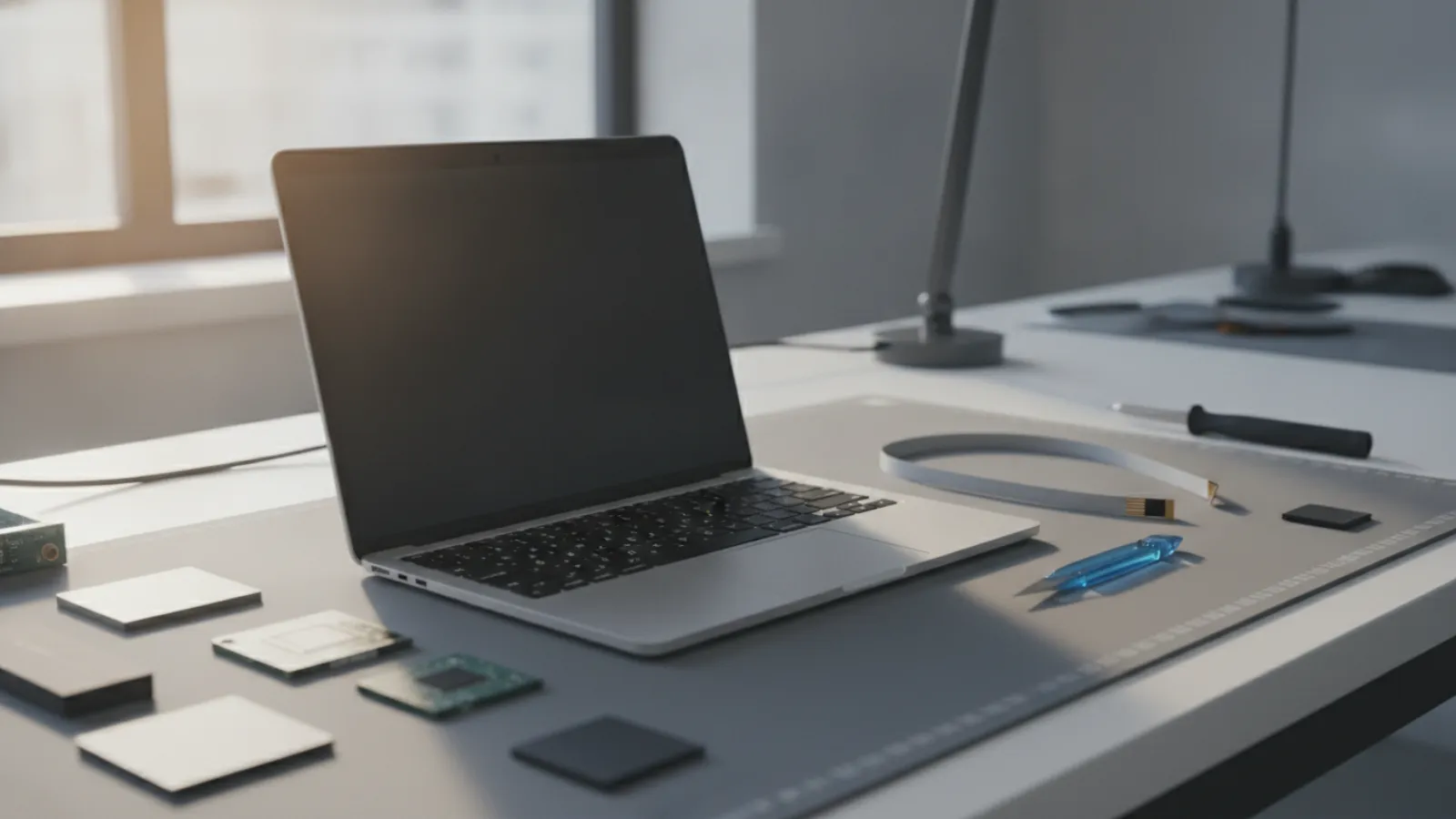
Flexgate is a backlight fault caused by a thin display flex cable that wears as the lid opens and closes, mostly reported on 13-inch MacBook Pro models from 2016 to 2018. An independent cable repair typically costs about USD 150 to 400 (GBP 120 to 310, CAD 205 to 550, AUD 225 to 600). A full display replacement costs more.
Key takeaways
- Flexgate is widely reported on 13-inch MacBook Pro models from about 2016 to 2018. Check your model before assuming anything.
- Classic symptoms are "stage light" shadows along the bottom of the screen, then a backlight that fails when the lid opens past a certain angle.
- The screen image is usually still there. Shine a torch at the display and you can often see it faintly, which points to the backlight rather than the panel or the logic board.
- A cable-only repair is typically cheaper than a full display replacement, but it needs skill because the cable is fragile.
- Apple ran a service program for one group of models, but programs have time limits. Check Apple's current support information for your serial number.
What is Flexgate?
Flexgate is the nickname given to a design fault in the way some MacBook Pro displays connect to the rest of the laptop. A thin ribbon cable carries display signals from the main board up through the hinge to the screen. On affected models, that cable was reported to be short and tightly routed around the display controller board. Each time you open or close the lid, the cable flexes. Over months and years, it can tear or wear through, and the backlight stops working.
The name is a nod to the "gate" suffix people use for product scandals. In practice, the problem is a mechanical wear fault, not a software or security issue. Reinstalling macOS will not fix it.
Which MacBook models are affected?
The fault is most widely reported on the 13-inch MacBook Pro from 2016, and teardown experts have reported the same cable design on 2017 and 2018 13-inch MacBook Pro models. Apple's own service program, as originally announced, covered 13-inch MacBook Pro (2016) models with two Thunderbolt 3 ports. Other models may have similar symptoms for different reasons, so do not assume a diagnosis from the model alone.
- 13-inch MacBook Pro, 2016: most widely reported and the subject of the original program.
- 13-inch MacBook Pro, 2017 and 2018: frequently mentioned in repair communities for the same cable issue. Treat this as a likelihood rather than a certainty.
- Newer models: later designs changed the cable arrangement, so they are not generally associated with Flexgate. A similar-looking symptom on a newer model is more likely to be a different fault, such as a damaged display, a pressure mark or a logic board problem.
To identify your model, click the Apple menu and choose About This Mac. You can also check the model identifier or the year printed on the underside of the casing.
Symptoms of Flexgate
Stage lights
The bottom edge of the screen shows uneven bright patches that look like theatre spotlights. This is usually the earliest sign.
Backlight fails at wider angles
The whole screen goes dark when you open the lid beyond a certain angle, often around 40 degrees in reports, and comes back when you close it a little. Often the image is still there, only very dim.
Intermittent flicker
The screen flickers or dims at random times, particularly after you move the lid.
How to test for it
Connect an external monitor. If the external display works normally while the built-in screen is black or dim, the logic board and operating system are probably fine and the fault is in the display path. Then shine a bright torch at the dark screen at an angle. A faint image suggests that the panel is alive and the backlight is the problem.
This is a useful distinction, because a black screen can have several causes. Our article on MacBook repair costs in Canada in 2026 covers the wider range of faults and how they are priced.
MacBook Flexgate repair cost
There are two main routes to fix it.
Route 1: replace only the flex cable
An independent technician opens the display, removes the damaged cable and fits a replacement. The part is inexpensive, but the labour is delicate. Done well, it can be a long-lasting fix, and it keeps the original screen. Results depend on the technician's skill and on the cable's quality.
Route 2: replace the whole display assembly
The manufacturer or an authorised provider replaces the full display with its attached cable. It is more reliable and may come with a better warranty, but it costs considerably more, because the display assembly on these models is an expensive part.
Typical price ranges
Typical ranges, estimates only. Prices vary by shop and model.
| Repair option | USD | GBP | CAD | AUD |
|---|---|---|---|---|
| Diagnosis only | 0-100 | 0-80 | 0-140 | 0-150 |
| Independent flex cable replacement | 150-400 | 120-310 | 205-550 | 225-600 |
| Third-party display assembly replacement | 300-600 | 235-470 | 415-830 | 450-900 |
| Manufacturer or authorised provider display replacement (out of any program) | 500-800+ | 390-625+ | 690-1,100+ | 750-1,200+ |
| Free repair under a manufacturer program | 0 | 0 | 0 | 0 |
The last row is only valid if your device still qualifies for a service program, which is unlikely for older units. Always confirm with the manufacturer using your serial number.
Is the Apple service program still available?
Apple introduced a Display Backlight Service Program for affected 13-inch MacBook Pro models (2016, two Thunderbolt 3 ports), offering free repair for a limited period after the original sale. Service programs of this kind usually have a fixed window, often a few years from the first retail sale. For most 2016 machines, that window has likely passed. We cannot confirm current eligibility, so enter your serial number on Apple's support site or ask an Apple Authorized Service Provider. If you are eligible, it is by far the cheapest route.
If the window has closed, you can still ask politely. Some customers report goodwill repairs, but nothing is guaranteed, and you should not plan around it.
Repair or replace: a decision rule
Flexgate affects older machines, which makes the economics a real question. Work through these steps:
- Get two quotes: one for cable replacement and one for a display assembly.
- Price a comparable used or refurbished laptop in good condition. For many people, a more recent MacBook is a better buy than a long-lived investment in an older one.
- Apply the 50% rule: if the repair costs more than about half of the comparable replacement, lean towards replacing. If the repair is under about a third, repairing is usually sound.
- Check the rest of the laptop. A worn battery, damaged keyboard or limited software support all weigh against spending a lot.
Also consider software support. Older Intel MacBooks eventually stop receiving the newest macOS releases and, later, security updates. That does not make them useless, but it affects how long the repair keeps paying off. Check Apple's current compatibility list for your model.
Can you work around Flexgate without repairing it?
Use an external monitor
If the laptop mostly lives on a desk, an external display solves the problem for a modest cost. You can keep the lid at a working angle or leave it closed, depending on your setup. It is an honest option, not a hack.
Keep the lid at the working angle
Some users find the backlight works while the lid stays below the failing angle. This is a temporary workaround, and it can be uncomfortable.
Do not bend the lid or use tape tricks
Forcing the lid or pressing on the display can make the cable damage worse, and can crack the panel. A cheap fix that breaks the display is an expensive mistake.
Is it Flexgate or something else?
A dark or dim MacBook screen has a number of causes. Compare symptoms:
- Dark screen but the Mac sounds like it is running, and a torch shows a faint image: backlight path, which includes Flexgate.
- Vertical lines, cracks or tinted blotches: panel damage, not Flexgate. See our page on MacBook screen replacement in Montréal for an example of how this repair works.
- No sound, no lights, no charging: a power or board problem. Read about what to do when a computer will not turn on.
- External monitor also shows a problem: likely a graphics or logic board fault, not the display cable.
An accurate diagnosis matters because the repairs differ widely in cost. Paying for a cable when the true fault is the board wastes money and time. If you are local to Montréal, a shop that handles Mac repair routinely will be able to separate these cases quickly.
Rights and warranty by country
This is general information, not legal advice, and rules vary. If you are unsure, ask your national or regional consumer agency.
- United Kingdom: Under the Consumer Rights Act 2015, goods should be of satisfactory quality and last a reasonable time, and repair services must use reasonable care and skill. For a device that is several years old, your claim against the seller is weaker, but a poor repair can still be challenged.
- Australia: Australian Consumer Law includes guarantees that goods are of acceptable quality and last for a reasonable period, which may cover premium products for longer than a basic warranty. How this applies to a given Mac depends on its age and use.
- United States: The right-to-repair trend is expanding access to parts, tools and manuals in some states and from some manufacturers. It does not create a free repair, but it can make independent repairs easier. Warranty terms vary.
- Canada: Consumer protection is provincial, so protections differ by province. Written estimates and clear warranty terms are good practice everywhere.
When to call a professional
Do not open a MacBook display yourself unless you have experience. The display cable is fragile, the adhesive and the hinge are easy to damage, and a mistake can crack the panel and double the cost. Contact a professional if:
- You see stage lights or a backlight that fails as you open the lid.
- The screen is dark but you can see a faint image with a torch.
- You are not sure whether it is the cable, the panel or the logic board.
- The Mac holds data you have not backed up. Data safety should come first.
Our team can walk you through the first checks and help plan a backup. If you need a remote session, see our service pages for Canada and the United States. Remote support cannot repair a hardware cable, but it can confirm what is happening and help protect your files.
Not sure what is wrong? Get a diagnosis first.
Our certified tech can connect remotely, check your software, drivers and backups, and tell you honestly whether the problem needs a hands-on repair.
Screen going dark on an older MacBook Pro? Get in touch with IT Cares for an honest assessment of whether it is Flexgate, what your repair options are, and whether repairing makes sense for your model.
Frequently asked questions
How much does a Flexgate repair cost?
An independent flex cable replacement typically costs around USD 150 to 400, and a display assembly replacement costs more, often USD 300 to 800 or beyond. These are estimates and vary by shop and model.
Which MacBooks have Flexgate?
It is most widely reported on the 13-inch MacBook Pro from 2016, with similar reports about 2017 and 2018 13-inch models. Later models changed the cable design. Confirm with a technician before assuming.
Is Flexgate repair covered for free?
Apple ran a service program for certain 13-inch 2016 models, but programs have time limits and most have probably expired. Check Apple's support page with your serial number.
Can I still use my MacBook with Flexgate?
Yes, with an external monitor. The Mac itself usually runs normally. The fault is in the display backlight path, not the computer's core.
Is it worth repairing a Flexgate MacBook Pro?
If the cable repair costs well under half of a comparable replacement and the Mac is otherwise healthy, it often is. If the quote is close to the price of a newer used MacBook, replacing may be better value.