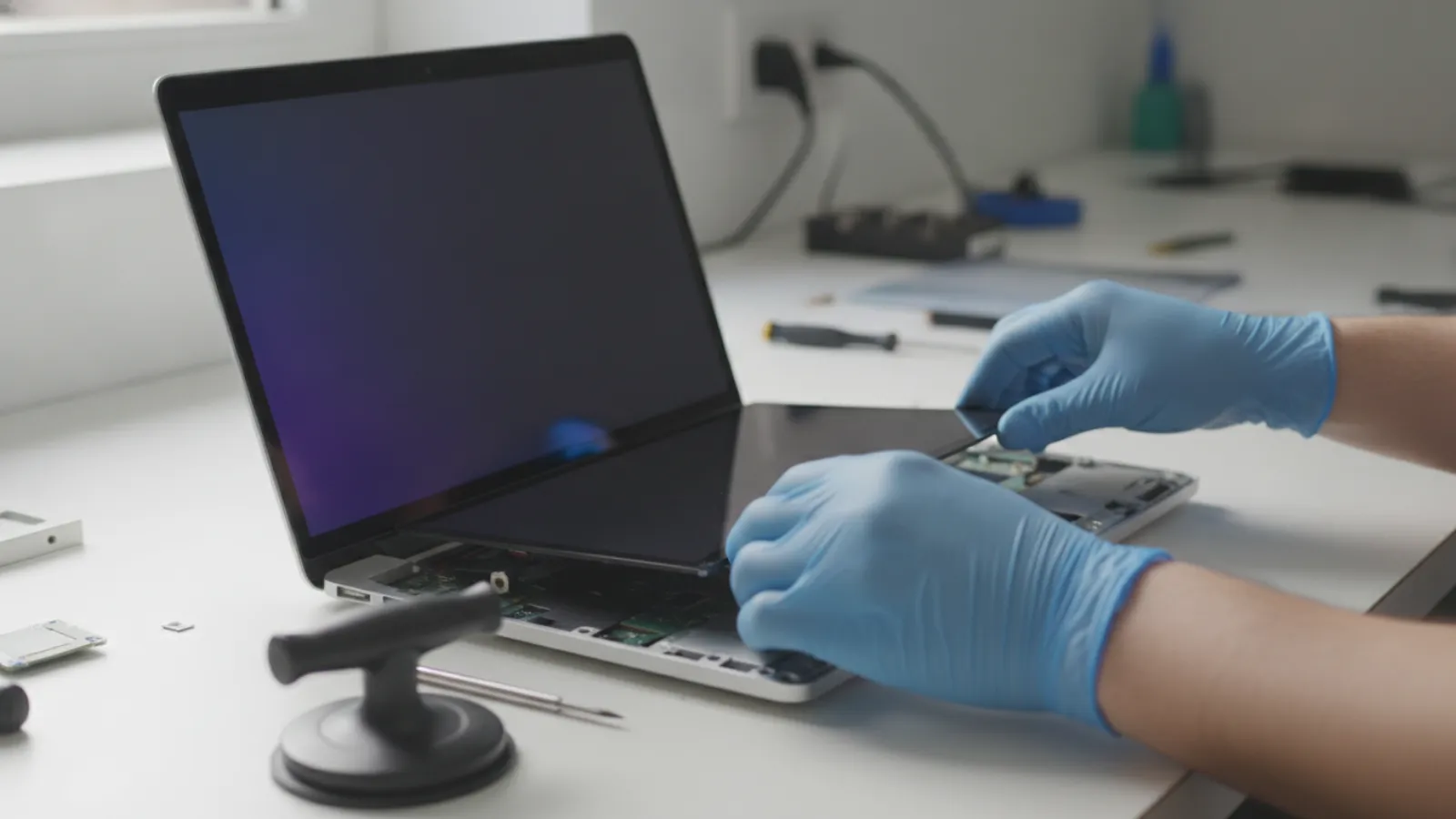
A MacBook screen replacement typically costs about USD 250 to 700 for an Air and USD 300 to 1,000 for a Pro (roughly GBP 195 to 545 and GBP 235 to 780), depending on the model and whether the part is original. Larger, newer models cost the most.
Key takeaways
- On most modern MacBooks, the screen is part of a sealed display assembly that includes the lid, so the cost is for a whole assembly, not just glass.
- Larger and newer MacBook Pro models, especially those with Liquid Retina XDR (mini-LED) displays, sit at the top of the price range.
- Prices are typical ranges and estimates. They vary by shop, model and country.
- AppleCare+ or a similar plan can reduce a screen repair to a modest fixed fee, so check coverage before paying full price.
- Match your exact model: the year, screen size and chip determine which display fits.
Why MacBook screens cost so much
A MacBook display is not a simple glass panel. The panel, backlight, glass, anti-reflective coating, camera, microphone, sensors, hinge parts and display cable are built into one assembly with the lid. Apple designs these as a unit and replaces them as a unit. When the panel cracks or the backlight fails, you generally buy a whole new display assembly, which is a premium part.
High-end models make this worse. Recent MacBook Pro displays use advanced mini-LED backlighting, a high refresh rate and a wide gamut, which adds cost. Even the Air, with its simpler display, uses a large, thin, specialised assembly.
There is also labour. The display is held by hinges and adhesive. A technician must remove the old assembly, transfer small parts where required, fit the new one and then test brightness, cameras and the closing behaviour. A careful job takes time.
Which model do you have?
You need your exact model to get an accurate price. Click the Apple menu, then About This Mac, to see the screen size, year and chip. For a more specific identifier, open System Information or check the model number printed on the underside of the Mac (it starts with the letter A followed by four digits).
- MacBook Air 13-inch Intel (2018 to 2020).
- MacBook Air 13-inch with M1 (2020).
- MacBook Air 13-inch with M2 or M3 (2022 and later) and the 15-inch Air (2023 and later).
- MacBook Pro 13-inch (2016 to 2022).
- MacBook Pro 14-inch and 16-inch (2021 and later), and the older 16-inch Intel (2019).
Wrong guesses are costly. Displays are not interchangeable between sizes or even between some years of the same size, so always confirm the model number with the shop.
MacBook screen replacement cost by model
Typical ranges, estimates only. Prices vary by shop and model.
| Model | USD | GBP | CAD | AUD |
|---|---|---|---|---|
| MacBook Air 13-inch, Intel (2018-2020) | 250-450 | 195-350 | 345-620 | 375-675 |
| MacBook Air 13-inch, M1 (2020) | 300-500 | 235-390 | 415-690 | 450-750 |
| MacBook Air 13-inch, M2 / M3 (2022 and later) | 350-600 | 275-470 | 485-830 | 525-900 |
| MacBook Air 15-inch, M2 / M3 (2023 and later) | 400-700 | 310-545 | 550-970 | 600-1,050 |
| MacBook Pro 13-inch (2016-2022) | 300-550 | 235-430 | 415-760 | 450-825 |
| MacBook Pro 14-inch (2021 and later) | 500-900 | 390-700 | 690-1,240 | 750-1,350 |
| MacBook Pro 16-inch (2019 Intel and 2021 and later) | 550-1,000 | 430-780 | 760-1,380 | 825-1,500 |
These ranges stretch from independent repairs to manufacturer or authorised pricing. The low end tends to be a third-party display or a refurbished assembly at an independent shop. The high end tends to be an original part installed by a manufacturer or authorised provider. Always ask which one a quote includes.
Apple, authorised provider or independent shop?
Manufacturer or authorised provider
Original parts, calibrated and tested, a clear warranty on the repair, and a predictable process. Out-of-warranty prices tend to be higher. If you have AppleCare+ with accidental damage cover, the screen repair has historically been a fixed fee that is much lower than the full price. The amount differs by country and plan, so check your own policy.
Independent repair shop
Typically lower prices and faster turnaround, with a choice of part quality. Parts may be original, refurbished or aftermarket, and quality varies. Ask which you are getting. Reports say that some non-original displays can affect features such as True Tone or brightness behaviour on certain models, so ask the shop what to expect on yours.
Do-it-yourself
Possible with a kit, but not recommended for most people. The display cable and adhesive are fragile, and a mistake can damage the board or backlight and turn a USD 400 repair into a much larger one. Apple's self-service programme in some regions makes genuine parts and manuals available, which is helpful for confident technicians, but it is still a difficult job.
Is your problem really the screen?
Some display faults are not caused by the panel. Before you buy a new assembly, compare:
- Cracked glass, black patches, ink-like spreading blots, or vertical lines: panel damage. The screen needs replacing.
- Dark screen with a faint image visible under a torch: backlight path. On some older 13-inch Pro models this is a known cable wear problem, discussed in our MacBook Flexgate repair cost guide.
- No image, but an external monitor works: a display, cable or backlight fault.
- No image on either screen: the problem may be the logic board or graphics circuitry. See our MacBook logic board repair cost article.
- Flickering after a software update: try safe mode and a reset before assuming hardware.
An accurate diagnosis can prevent a very expensive wrong guess. A local service such as our MacBook screen replacement in Montréal will normally test before quoting. For other laptops, see our laptop screen repair page.
Repair or replace: a decision rule
Screen repairs on newer Macs can be a large share of the machine's value. Use this simple rule:
- Get a written quote for the screen from at least two sources, including whether it is an original or aftermarket part.
- Price a comparable used or refurbished Mac of the same or a newer generation.
- Compare. If the screen costs under about 35% of the replacement, repair. Between 35% and 55%, check the Mac's age, battery health and storage size. Above about 55%, replacing is usually better value.
- Factor in coverage. If you have AppleCare+ or an equivalent plan, the repair may cost far less than the table suggests. Check before you decide.
- Consider the use case. If the Mac is mostly docked on a desk, an external monitor may solve the problem for less. A new monitor costs from roughly USD 100 to 250 for a reasonable one.
For a broader sense of what Apple repairs cost in practice, see our overview of MacBook repair costs in Canada in 2026. Our Mac repair page describes other common jobs.
Common causes of cracked or damaged MacBook screens
Pressure from inside the lid
The gap between the keyboard and screen is tiny. A pen, a charger, a webcam cover or even a speck of debris left on the keys can crack the screen when the lid closes. Remove anything from the keyboard before you close it, and avoid thick webcam covers on models with small clearance.
Pressure in a bag
Carrying a MacBook in a crowded backpack can flex the lid and crack the glass without an obvious impact. Use a padded sleeve and avoid squeezing heavy items against it.
Drops and impacts
Corner drops are common and can damage the display, the frame and sometimes the hinge.
Heat and wear
Leaving a MacBook in a hot car or exposing it to long periods of heat can affect the display adhesive and backlight. Warranty claims for this are unlikely to succeed, but protection is cheap.
What to do when the screen cracks
- Back up your data if you can still see enough to work. A damaged display can fail completely without warning. A cracked screen can also spread dark patches.
- Stop using the Mac for important work if the damage is spreading. Small cracks can grow with each lid opening.
- Do not press on the glass or peel pieces. Broken glass can cut, and pressing may worsen the damage.
- Use an external monitor in the meantime if you must keep working.
- Check coverage and get quotes before you commit.
Rights and warranty by country
This is general information only, not legal advice. Check your local consumer agency for specifics.
- United Kingdom: The Consumer Rights Act 2015 says goods must be of satisfactory quality and last a reasonable time, and repair services must be done with reasonable care and skill. Accidental damage is generally not covered by this, but a poor repair can be challenged.
- Australia: Australian Consumer Law guarantees acceptable quality and due care and skill in services. Accidental cracks are usually not a defect, but a repair that fails or damages other parts can be raised with the provider.
- United States: Right-to-repair rules are expanding in some states and from some manufacturers, which can improve access to parts and manuals. A third-party repair does not automatically void a manufacturer warranty, but damage caused by the repair might not be covered.
- Canada: Consumer protection is provincial. Written estimates and clear terms are standard good practice, and some provinces regulate repair estimates directly.
Whichever country you are in, ask for the repair warranty in writing, including whether it covers the new screen only or also related parts such as the display cable and hinges.
Questions to ask before you pay
- Is the quote for the whole display assembly or only the glass?
- Is the part original, refurbished or aftermarket?
- What is the warranty, and what does it exclude?
- Will True Tone, brightness control, the camera and the microphone work afterwards?
- Is there a diagnostic fee if I do not go ahead?
- Will my data be touched? (It should not be, but backing up first is wise.)
When to call a professional
Almost always. MacBook display repairs involve fragile cables, strong adhesive and precise hinge alignment. If the screen is cracked, dim, flickering or showing lines, a technician can check whether it is the panel, the cable or something on the board, and quote a fair price. Call sooner if there was liquid contact, because damage can extend beyond the screen.
If you are not sure the display is the problem, a remote check can help rule out software and settings first. We support customers in Canada and the United States. Remote help cannot replace a screen, but it can help with backups and diagnosis.
Not sure what is wrong? Get a diagnosis first.
Our certified tech can connect remotely, check your software, drivers and backups, and tell you honestly whether the problem needs a hands-on repair.
Cracked or dim MacBook screen? Contact IT Cares for straight advice on your model, the likely repair options, and whether repairing or replacing is the better value.
Frequently asked questions
How much does a MacBook Air screen replacement cost?
Typically around USD 250 to 700, depending on the model and size, with the 15-inch and newer M-series models at the upper end. These are estimates and vary by shop and model.
How much does a MacBook Pro screen replacement cost?
Roughly USD 300 to 1,000. The 14-inch and 16-inch models with advanced displays cost the most. Prices vary by shop and by part type.
Can I replace only the glass on a MacBook screen?
For most modern MacBooks, no. The glass and panel are laminated into a sealed assembly, and repairs replace the whole display assembly.
Does AppleCare+ cover a cracked MacBook screen?
Plans with accidental damage cover have historically covered screen damage for a fixed fee, but terms change by country and plan. Check your current policy.
Is it worth repairing a cracked MacBook screen?
If the repair costs less than about a third to a half of a comparable replacement and the Mac is otherwise healthy, it usually is. For older Macs with a high quote, replacement or an external monitor may be better.