HomeRemote HelpComputer Help for Seniors Canada
Dedicated Senior Computer Support — Canada-Wide

Computer Help for Seniors
Patient, Bilingual Support Across Canada

No jargon. No rushing. No confusing instructions. IT Cares provides gentle, patient tech help for seniors — in English or French — from anywhere in Canada. Remote sessions from $59, or in-home in Montreal and Quebec.

1 (888) 711-9428 Book for a Parent
Patient technicians
Bilingual FR/EN
Written notes provided
No fix, no fee

Help your parent or grandparent stay connected — book a session on their behalf. Call 1 (888) 711-9428 or book online.

Patient Tech Help for Seniors — Clear Pricing

No hidden fees • Price confirmed before we start • No fix, no fee

$59
30 minutes
Quick Support
  • Password reset & account recovery
  • Slow computer speedup
  • Scam pop-up removal
  • Printer / WiFi issues
  • Bilingual FR/EN
Book Now
POPULAR
$99
60 minutes
Express Support
  • 60-min remote or in-home
  • Video call setup (Zoom/FaceTime)
  • Email cleanup & organization
  • Multiple issues in one session
  • Written follow-up notes
Book Now
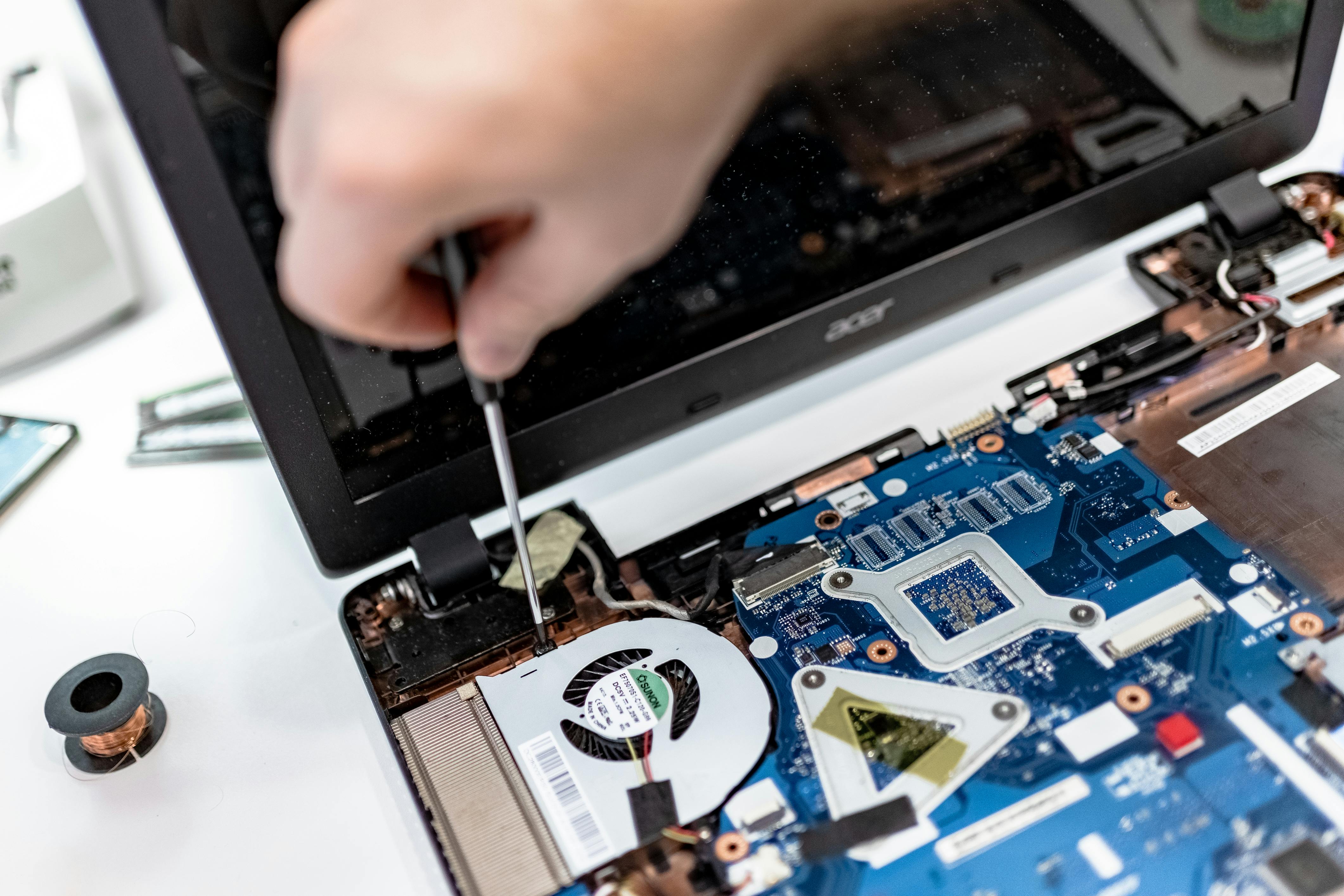
IT Cares technician — computer repair Montreal & Canada

IT Cares technician — computer repair Montreal & Canada

What We Fix

Common Senior Tech Problems We Solve

These are the most frequent issues seniors face — all resolvable remotely anywhere in Canada, or in-home in the Montreal and Quebec area.

Password Reset & Account Recovery

Locked out of email, Facebook, or Windows login? We recover access and set up a simple password system the senior can remember without writing it down unsafely.

Video Calls with Grandchildren

Set up and teach Zoom, FaceTime, Skype, or Google Meet. We stay on the call while the first test call with family happens — no senior is left to figure it out alone.

Antivirus Setup & Scam Pop-Up Removal

Remove fake "your computer is infected" warnings, uninstall dangerous scareware, and set up legitimate antivirus protection. We also teach seniors how to spot scam pop-ups going forward.

Printer Setup & Troubleshooting

Printer no longer showing up, printing blank pages, or offline status? We remotely diagnose and fix driver issues, queue errors, and WiFi connection problems with printers.

Tablet & iPad Help

Help with iPad, Android tablet, or Fire tablet — app installation, Apple ID recovery, storage management, screen brightness and accessibility settings for ease of use.

Email Cleanup & Organization

Thousands of unread emails, full inbox, spam folders overflowing? We clean up, organize folders, and unsubscribe from junk — restoring a clear, manageable inbox the senior can use confidently.

WiFi & Internet Connection Issues

Computer keeps dropping the WiFi, or cannot connect to the internet at all? We diagnose network adapter issues, router settings, and Windows networking errors remotely — no router access needed from our end.

Online Scam & Fraud Prevention

Seniors are disproportionately targeted by tech support scams, phishing emails, and fake Microsoft calls. We walk through current scam tactics and set up browser protections and safe browsing habits.

Simple, Clear Pricing for Seniors

No hidden fees. Price confirmed before the session starts. No charge if the issue cannot be resolved.

Remote Session

$59
  • 30-minute session
  • Available anywhere in Canada
  • Bilingual FR/EN
  • Patient, no-rush pace
  • No fix, no fee

Ideal for most senior tech problems

Book Remote Session

Why Families Trust IT Cares for Their Parents

We understand that booking tech support for an elderly parent requires an extra layer of trust. Here is why thousands of Canadian families choose IT Cares.

No Session is Ever Rushed

We work at the senior's pace. If they need something explained twice, we explain it three times — without impatience.

Bilingual, Plain-Language Communication

Full service in English or French. Plain language only — we do not say "RAM" or "kernel" or "DNS" unless it is necessary and explained.

Written Notes Available After

On request, we provide a plain-language summary of what was done and how to avoid the problem recurring — great for printing and keeping near the computer.

Certified, Trusted Technicians

IT Cares has been a certified, trusted Canadian IT service since 2014. Our technicians are professional, respectful, and treat every senior client with the care they deserve.

What Families Are Saying

Reviews from children and grandchildren who booked for their elderly parents.

★★★★★

"I booked this for my 78-year-old mother who was locked out of her email and couldn't video call us. The technician was incredibly patient, spoke to her in French the whole time, and even sent written notes afterward. My mom said it was the kindest tech help she had ever experienced."

Sandra M.
Daughter — Longueuil, QC — January 2026
★★★★★

"My father-in-law is 82 and kept getting scary government pop-ups on his screen. IT Cares removed the scareware in 30 minutes, explained clearly what it was, and walked him through how to spot fake warnings in the future. He actually understood everything. No jargon at all."

Derek H.
Son-in-law — Burnaby, BC — February 2026
★★★★★

"Called for my mother in Sherbrooke who couldn't print and had lost her WiFi. The tech fixed both issues and stayed on an extra 15 minutes to help her set up video calls with the grandchildren. My mom keeps the printed notes by her computer. Exceptional care for seniors."

Nicole B.
Daughter — Sherbrooke, QC — March 2026

How a Senior Computer Help Session Works

Simple, unhurried, and guided from start to finish. Designed for seniors and for the family members booking on their behalf.

1

Call or Book on Their Behalf

Call 1 (888) 711-9428 or book online. A family member can arrange the session for a parent or grandparent — you describe the problem, we handle the rest. Free initial consultation. Price confirmed upfront.

2

Guided Setup — Step by Step

The technician calls the senior directly and guides them step by step through a 2-minute AnyDesk download. We read every instruction clearly, wait at each step, and never assume prior knowledge. No account or email needed.

3

Fix It — Explained Throughout

The technician resolves the issue while speaking to the senior clearly and calmly in English or French. Every action is described in plain language. The senior watches the screen. There is no rush. Questions are welcome at any point.

4

Follow-Up Notes on Request

Once the issue is resolved, the technician provides a plain-language summary of what was done and tips for the future. Written notes can be provided by email or phone so the senior has a reference they can keep near the computer.

Related IT Cares Services

FAQ

Frequently Asked Questions

Computer Help for Seniors — Canada-Wide

What computer help is available for seniors in Canada?
IT Cares offers patient, bilingual computer help for seniors across Canada via remote sessions (every province) and in-home visits in the Montreal and Quebec area. Services include password resets, virus removal, video call setup, scam protection, printer help, tablet assistance, email cleanup, and more — all explained in plain language.
Can a technician help my elderly parent remotely?
Yes. IT Cares connects securely to your parent's computer from anywhere in Canada. The technician guides the senior step by step through a simple 2-minute setup, then handles the issue while the senior watches on screen. Sessions are unhurried and explained clearly throughout. Written follow-up notes are available on request.
Is computer help for seniors available in French in Canada?
Yes. IT Cares is fully bilingual. Sessions are available in English or French. For French-speaking seniors in Quebec, New Brunswick, or Ontario francophone communities, the technician communicates entirely in French if preferred, including any follow-up written summaries.
How much does computer help for seniors cost in Canada?
IT Cares charges $59 for a 30-minute remote session and $99 for a 60-minute session. In-home service in Montreal and Quebec is also $99 per hour. There are no hidden fees, no membership required, and no charge if the issue cannot be resolved.
What senior computer problems can be fixed remotely?
The vast majority of senior tech problems can be resolved remotely: forgotten passwords and locked accounts, video call setup (Zoom, FaceTime, Skype), slow or frozen computers, antivirus and scam pop-up removal, printer setup, tablet and iPad help, email cleanup and organization, Windows errors, and more.
How do I book computer help for my elderly parent?
You can book on behalf of your parent — many family members call IT Cares to schedule a session for a parent or grandparent. Call 1 (888) 711-9428 or use the online booking form. Specify that the session is for a senior and the technician will pace it accordingly.
Is it safe for a senior to let a technician access their computer remotely?
Yes, when using a reputable service like IT Cares. We use AnyDesk with 256-bit TLS encryption. The senior sees every action on screen in real time and can end the connection instantly. IT Cares never accesses the computer without consent and never stores personal files or financial information after the session ends.
Does IT Cares offer in-home computer help for seniors in Montreal?
Yes. For seniors in Montreal and the greater Quebec area who prefer a technician in person, IT Cares offers in-home visits at $99 per hour. The technician brings patience, plain-language explanations, and optional written notes for reference after the visit.
Help Your Parent Stay Connected — Book a Session Today

Patient, bilingual, no-jargon computer help for seniors. Remote from $59. In-home Montreal/QC at $99/h. No fix, no fee. Since 2014.

1 (888) 711-9428 Book for a Parent