HomeRemote IT SupportRouter Not Working Fix
All Brands · No Truck Roll · Canada & USA Wide

Router Not Working? Get WiFi Setup Help Now

Whether your internet router stopped working, your WiFi keeps dropping, or you just got a new modem from your ISP — a certified technician connects remotely and fixes it. No driving, no waiting. Usually done in 30 minutes.

Call 1 (888) 711-9428 Book Now
Certified Canadian Technicians Bilingual EN / FR Trusted Since 2014
$59
30 minutes
Quick Support
Book
POPULAR
$99
60 minutes
Express Support
Book
IT Cares technician — computer repair Montreal & Canada
The #1 home tech headache

Why Router Problems Feel So Frustrating

When the router dies, everything dies — your phone, your TV, your work laptop. Most people assume they need to call their ISP and wait days. You don't. Our technicians diagnose and fix router and WiFi issues remotely: factory resets, credential mismatches, firmware updates, channel conflicts, DNS errors, and mesh extension problems. All brands, all ISPs.

No Truck Roll Needed

We configure your router remotely. No ISP technician appointment, no days of waiting.

Works on All Brands

TP-Link, Netgear, Asus, Linksys, Bell, Rogers, Videotron, Telus, Eero, Google Nest — if it has an admin panel, we fix it.

Wi-Fi Optimization Included

We pick the right channel, set band-steering, and position your 2.4GHz vs 5GHz correctly.

Mesh & Multi-Device Setup

Setting up a mesh system or adding extenders? Full network config remotely.

Router & WiFi problems we solve

8 Router Problems We Fix Remotely

Click your situation to see exactly how we handle it.

How It Works

Simple as a phone call. You stay in control every step of the way.

1Call or book online

Tell us your router brand and what's happening. $59 CAD flat upfront.

2We connect to your computer

One link, one code via AnyDesk. We reach router admin through your browser.

3Diagnose and configure

Check router logs, ISP credentials, DNS, channel config. Change only what's needed.

4Test every device

Confirm phone, laptop, smart TV reconnect properly before closing session.

5Prevent recurrence

Show you the one setting to watch, when to reboot, how to spot early warning signs.

AnyDesk uses 256-bit TLS encryption — same as Canadian banks. You see every action. Disconnect anytime.

Why Us

IT Cares vs Big-Box Tech Support

FeatureIT CaresGeek Squad / HelloTech
Fix Without a Truck RollYes — remote every timeISP visit: 3–7 business days
Flat Session Price$59 CAD$99–$200 USD/hr
All Router BrandsYesISP supports own modem only
Mesh & Extender SetupYes — full configNo — out of scope
Wait TimeUnder 15 min1–7 business days
WiFi OptimizationIncluded freeExtra charge or not offered
Bilingual EN / FRYesEnglish only
Refund If Can't FixYes — full refundRarely, fine print

Pricing and service details from public sources, accurate as of 2026.

Real People. Real Results.

5.0 average across 30+ verified reviews

“My Bell router was giving no internet after a firmware update. IT Cares connected remotely, rolled back the firmware, and re-entered my PPPoE credentials in about 25 minutes.”

— Brian Kowalski — Mississauga, ON

“I bought a new Eero mesh system and had no idea how to set it up with my Videotron modem. The technician walked me through every step and even optimized the channel.”

— Denise Lafleur — Laval, QC

“WiFi dead zone in my bedroom drove me crazy for two years. One session and they moved my router settings around, changed the channel — dead zone is gone.”

— Robert Simmons, 71 — Victoria, BC

“Nouveau routeur Bell installé mais internet ne fonctionnait pas dans le sous-sol. Le technicien a réglé ça en 20 minutes en français, sans se déplacer.”

— Carole Tremblay — Sherbrooke, QC

Common Questions

Can you really fix my router without physically touching it?
Yes — router configuration lives in a web admin panel your browser can reach. We connect remotely and access that panel together.
My internet is completely dead — how do we connect remotely?
Call us first at 1 (888) 711-9428. We diagnose over the phone and walk through a manual reset. Once partial connectivity is restored, we take over remotely.
Which router brands do you support?
All consumer and small-business brands: TP-Link, Netgear, Asus, Linksys, D-Link, Eero, Google Nest WiFi, Ubiquiti, and ISP modems from Bell, Rogers, Videotron, Telus, Shaw, Eastlink, Cogeco.
Can you help me set up a brand new router?
Absolutely — new router setup is one of our most common requests. WAN type, SSID names, passwords, band-steering, parental controls, guest network.
My WiFi password is wrong and I can't get into router admin. What now?
We guide you through physical reset then remotely reconfigure everything from scratch.
Will changing WiFi channels make a difference?
Often dramatically. In dense apartments all nearby routers default to channels 1, 6, 11 — pure congestion. Clear channel + 5GHz steering often doubles perceived speeds.
Can you set up a mesh WiFi system like Eero or Google Nest?
Yes. Full mesh setup: pairing nodes, naming, backhaul priority, clean handoff. We also bridge your ISP modem to avoid double NAT.
What if my ISP's modem is the problem, not my router?
We diagnose which device is failing. If ISP modem, we tell you exactly what to tell your ISP (error codes, logs).
How much does router support cost?
Flat $59 CAD for most single-issue fixes. Complex setups quoted upfront. Monthly plan from $9.99 — see plans.
Is it safe to let you into my router settings?
We access through your browser — we never have your ISP master credentials unless you share them. AnyDesk uses 256-bit TLS encryption.
Do you speak French?
Oui — bilingual EN/FR.
What if you can't fix it remotely?
Full refund. We tell you the exact hardware part or ISP escalation path needed — no extra charge.
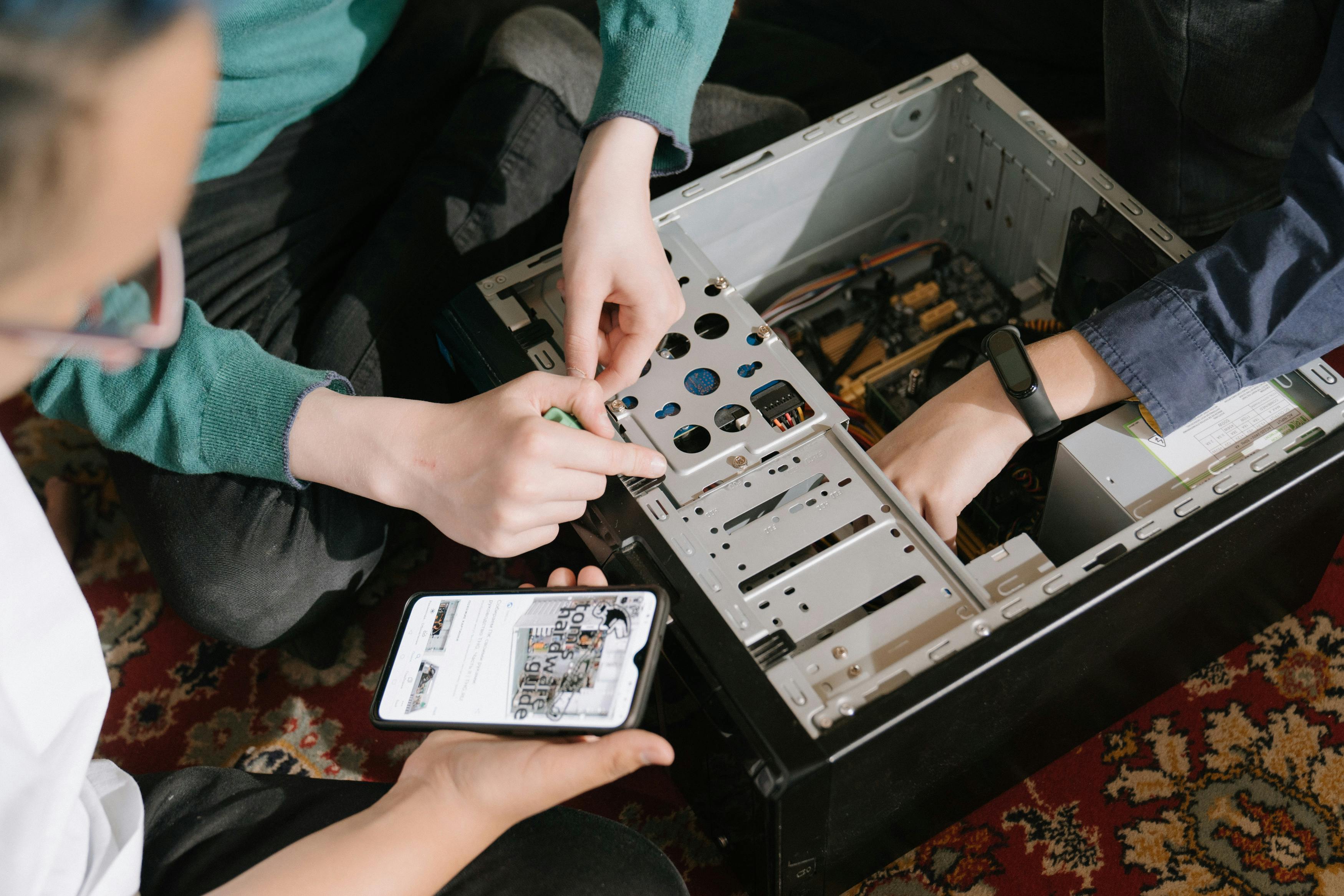
Router Fixed in 30 Minutes — No Truck Roll

Available 7 days a week, 9am–9pm ET. All brands. Flat $59 CAD.

1 (888) 711-9428 Book Session

Also see: Internet Keeps DisconnectingFix My Computer OnlineMonthly Plan